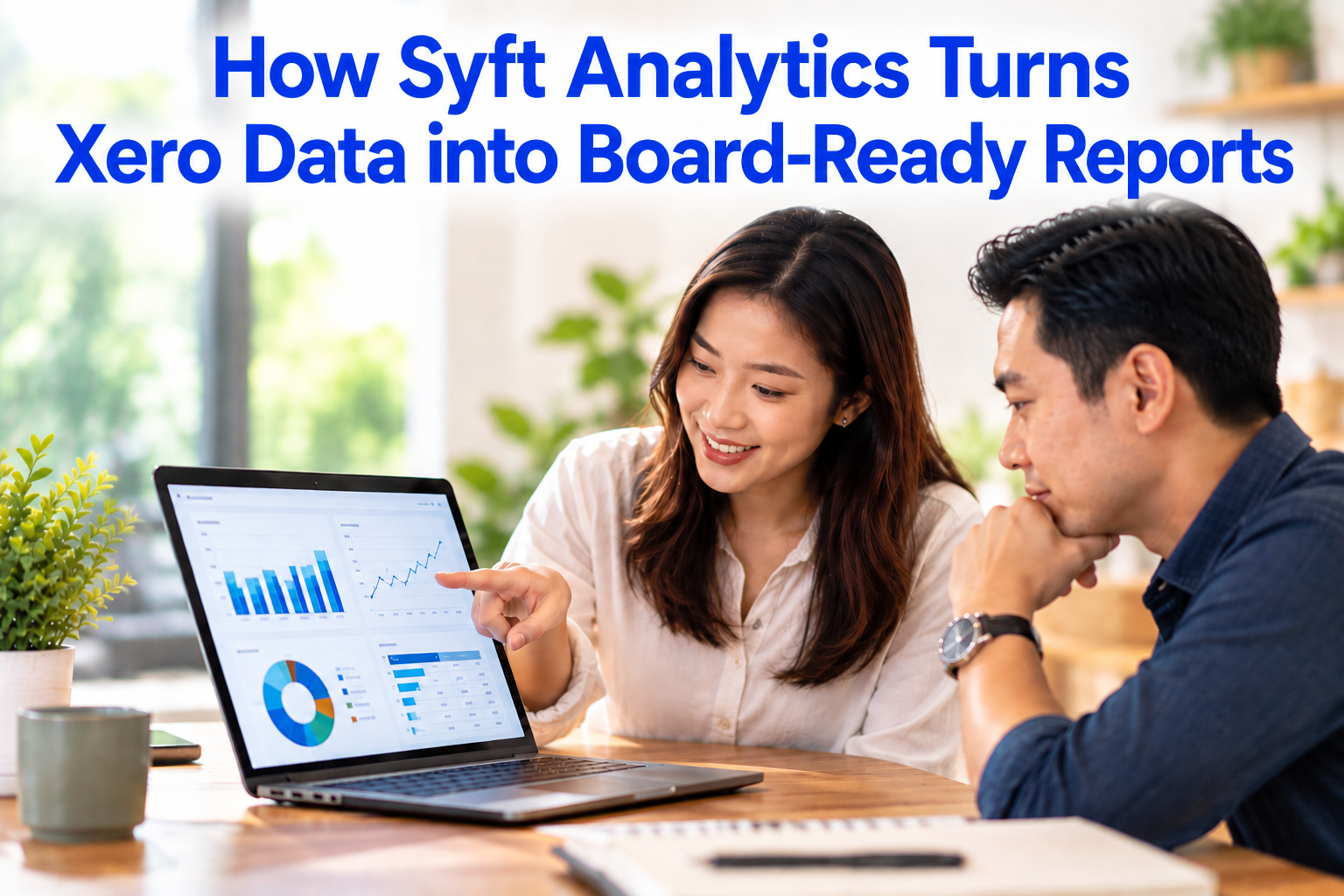

Syft Analytics connects to Xero, pulls in your ledger data and turns it into report packs with charts, KPI scorecards, consolidated group figures and commentary. Instead of exporting from Xero and rebuilding the same slides every month, you set up the board pack once and refresh it after each month-end close.
This guide explains how that process works step by step, what a useful board report should contain, and the mistakes we see when Singapore SMEs move from spreadsheet board packs to a proper reporting tool. It is written for both the directors who read board reports and the finance teams who prepare them.
What Is Syft Analytics?
Syft Analytics is a cloud-based financial reporting, analytics and consolidation platform that connects to accounting software such as Xero, QuickBooks Online and Sage. It converts ledger data into dashboards, KPI scorecards, budgets, forecasts and downloadable report packs.
In 2024, Xero announced it was acquiring Syft in a deal worth up to US$70 million. Syft continues to be offered as a standalone app, so Xero users subscribe to it and connect it to their Xero organisation separately.
For a Singapore SME, the practical point is simple: Xero stays your system of record, and Syft becomes the layer that presents those numbers in a format a board can act on.
Why Xero Reports Alone Rarely Make a Board Pack
Xero is strong at recording transactions and producing standard financial statements. A board meeting, however, usually needs more than a profit and loss statement and a balance sheet. Directors typically want:
- Trends over 12 months or more, not just this month versus last month
- Actual results compared against budget, with variances explained
- A small set of KPIs such as gross margin, cash runway and debtor days
- A group view when the business has more than one entity or currency
- A short narrative that says what changed and what decisions are needed
Most finance teams fill that gap by exporting Xero reports to Excel, rebuilding charts and pasting them into slides. It works, but it takes time every month, and errors creep in when formulas break or someone works from an outdated file.
How Syft Turns Xero Data into a Board Pack: Step by Step
Here is the workflow we use when setting up Syft alongside Xero for clients.
Step 1: Connect Xero to Syft
Authorise Syft from the Xero App Store. Syft syncs your chart of accounts, transactions, contacts and tracking categories. Tracking categories matter here because Syft can use them for divisional or segment reporting, for example by outlet, product line or project.
Step 2: Set Up Report Layouts
Group accounts the way your board thinks about the business, not the way your bookkeeper codes transactions. A board might want “Staff costs” as one line, while Xero has eight payroll-related accounts. Syft lets you define layouts per entity so every report uses the same groupings.
Step 3: Consolidate Group Entities
If you run a Singapore holding company with subsidiaries in Malaysia or Indonesia, consolidation is where Syft saves the most effort. Syft supports consolidation across unlimited entities and more than 170 currencies, with intercompany eliminations, acquisition and disposal dates, and partial ownership.
It can also consolidate entities that sit on different accounting platforms, for example a Singapore entity on Xero and an overseas entity on QuickBooks Online. Built-in balance checks show whether your eliminations net off before the numbers reach the board.
Step 4: Define Your KPIs
Syft’s KPI Scorecards now include more than 90 pre-built metrics across five categories: cash flow, profitability, working capital, customers, and debt and risk. You can build one scorecard as a template and share it across all entities, which keeps KPIs consistent across the group.
Step 5: Load Budgets and Forecasts
A board report without a budget comparison only tells half the story. Syft supports budgets and forecasts with variance columns, rolling forecasts that replace forecast figures with actuals once a period closes, and scenario planning for best and worst cases. For Xero users, Syft can calculate GST in budgets and forecasts using the tax settings already set on each account in Xero.
Note that some planning features, such as scenarios, are only available on Syft’s higher-tier plan. Check which plan your reporting needs before you commit.
Step 6: Build the Report Pack
Syft offers pre-built report templates, including a detailed business overview and management pack, a multi-period overview, a sales, customers and products report, a cash management report and a funding pack. Start from the closest template, then add or remove pages to match your board’s agenda. Multiple graphs can sit on one page, which keeps the pack compact.
Step 7: Add Commentary
Numbers without explanation lead to long board meetings. Syft includes AI-generated commentary that can draft explanations of movements in the figures. Treat these as a first draft. The finance lead should edit them to add context only the business knows, such as a delayed project or a one-off customer order.
Step 8: Schedule and Share
Export the pack to PDF, Excel, Word or Google Sheets, or share a Live View link that stays interactive. Reports can be scheduled to send automatically, and Syft shows whether each scheduled email was delivered or bounced, so you know the board actually received it.
Sample Board Report Structure
This is the structure we recommend for most SME board packs. It keeps the main body short and pushes detail into the appendix.
| Section | What the board sees | Syft feature used |
|---|---|---|
| 1. Executive summary | Three to five key messages and decisions needed | Commentary (AI draft, edited by finance) |
| 2. KPI scorecard | Revenue growth, gross margin, net margin, cash runway, debtor days | KPI Scorecards |
| 3. P&L vs budget | Month and year-to-date actuals against budget, with variances | Budgets with variance columns |
| 4. Balance sheet | Net assets, working capital and key movements | Balance sheet report |
| 5. Cash flow | Cash in vs cash out, net cash flow and short-term projection | Cash flow graphs, Cash Manager |
| 6. Receivables and payables | Overdue debtors, debtor days and creditor days | Customers > Receivables, dashboard cards |
| 7. Sales and customers | Top customers, product margins and sales mix | Sales, customers and products report |
| 8. Group view | Performance by entity and consolidated total | Consolidations |
| 9. Outlook | Full-year forecast with best and worst cases | Forecasts and Scenarios |
| 10. Appendix | Full financial statements and detailed schedules | Standard financial statements |
A practical rule: if a director cannot find the answer to “are we on track, and do we have enough cash?” within the first three pages, the pack is too long.
Spreadsheet Board Pack vs Syft Report Pack
| Factor | Manual Excel/slides pack | Syft report pack |
|---|---|---|
| Monthly preparation | Rebuilt or updated by hand each month | Template refreshes from synced Xero data |
| Consolidation | Manual eliminations and FX in spreadsheets | Built-in eliminations and multi-currency |
| Consistency | Depends on who prepares it | Same layout and KPIs every period |
| Error risk | Broken formulas and copy-paste errors | Figures pulled directly from the ledger |
| Distribution | Emailed attachments, version confusion | Scheduled sends, PDF/Excel/Word or Live View link |
| Drill-down | Requires going back to Xero | Drill into transactions within Syft |
Common Mistakes When Building Board Reports from Xero
- Messy chart of accounts. Syft presents what is in Xero. If accounts are duplicated or miscoded, the board pack will be wrong, just better looking.
- Running reports before reconciliation. Generate the pack only after bank accounts are reconciled and month-end journals are posted.
- Not locking the period in Xero. Set a lock date after close so the numbers in the board pack do not change after it is sent.
- Too many charts, no message. Twenty graphs with no commentary make the board do the analysis. Lead with the conclusions.
- Skipping intercompany eliminations. Without them, group revenue and expenses are overstated.
- No budget loaded. Variance analysis is the most useful part of a board report. Load the budget before the first board meeting.
- Picking a plan before mapping requirements. Features such as scenarios and cost reallocations sit on higher-tier plans. List what the board needs first.
What Syft Means for Owners and Finance Teams
For Business Owners and Directors
You get the same report structure every month, so it becomes easy to spot what has changed. Live View links let you check figures between meetings without waiting for someone to send a file.
For Finance Managers and Accountants
Time shifts from formatting to analysis. Templates, shared dashboards and shared KPI scorecards mean a new entity can be added to the group pack without rebuilding it from scratch.
How 361DC Implements Syft Alongside Xero
361DC is a Singapore-based software and grants advisory firm that helps SMEs implement Xero and the apps that sit around it. When we set up Syft, the work usually covers:
- Reviewing and cleaning up the Xero chart of accounts and tracking categories
- Connecting Syft and configuring layouts, consolidations and eliminations
- Building a board pack template around your actual meeting agenda
- Setting up KPIs, budgets and scheduled report delivery
- Training your finance team so they can run the pack independently
In our experience, most of the value comes from the first point. A clean Xero file makes every report after it more reliable.
Ready to Turn Your Xero Data into a Board Pack?
If your team still spends days each month building board reports in Excel, a properly set up Syft and Xero workflow can give that time back and make your reporting more consistent. 361DC can review your current Xero setup and recommend a reporting structure that fits your board.
Speak to our team at 6515 7906 or email enquiry@361dc.com to discuss your reporting needs.
Frequently asked questions
Yes. Xero announced the acquisition of Syft in 2024. Syft is still offered as a standalone app that connects to Xero, as well as to QuickBooks Online and Sage.
No. Xero remains your accounting ledger. Syft sits on top of it for reporting, consolidation and forecasting. Syft can post certain journals back to Xero, such as prepayment and revenue recognition entries, but your books stay in Xero.
Yes. Syft supports consolidation across more than 170 currencies, with intercompany eliminations and partial ownership. It can also combine entities that use different accounting platforms.
Reports can be exported to PDF, Excel, Word and Google Sheets, or shared as an interactive Live View link.
Syft includes AI commentary that drafts explanations of movements in your numbers. It is a useful starting point, but the final commentary should be reviewed and edited by someone who knows the business.
Syft offers several subscription tiers, and pricing depends on the plan and number of entities. Pricing changes from time to time, so check Syft's website for current rates or speak to us for a recommendation based on your setup.