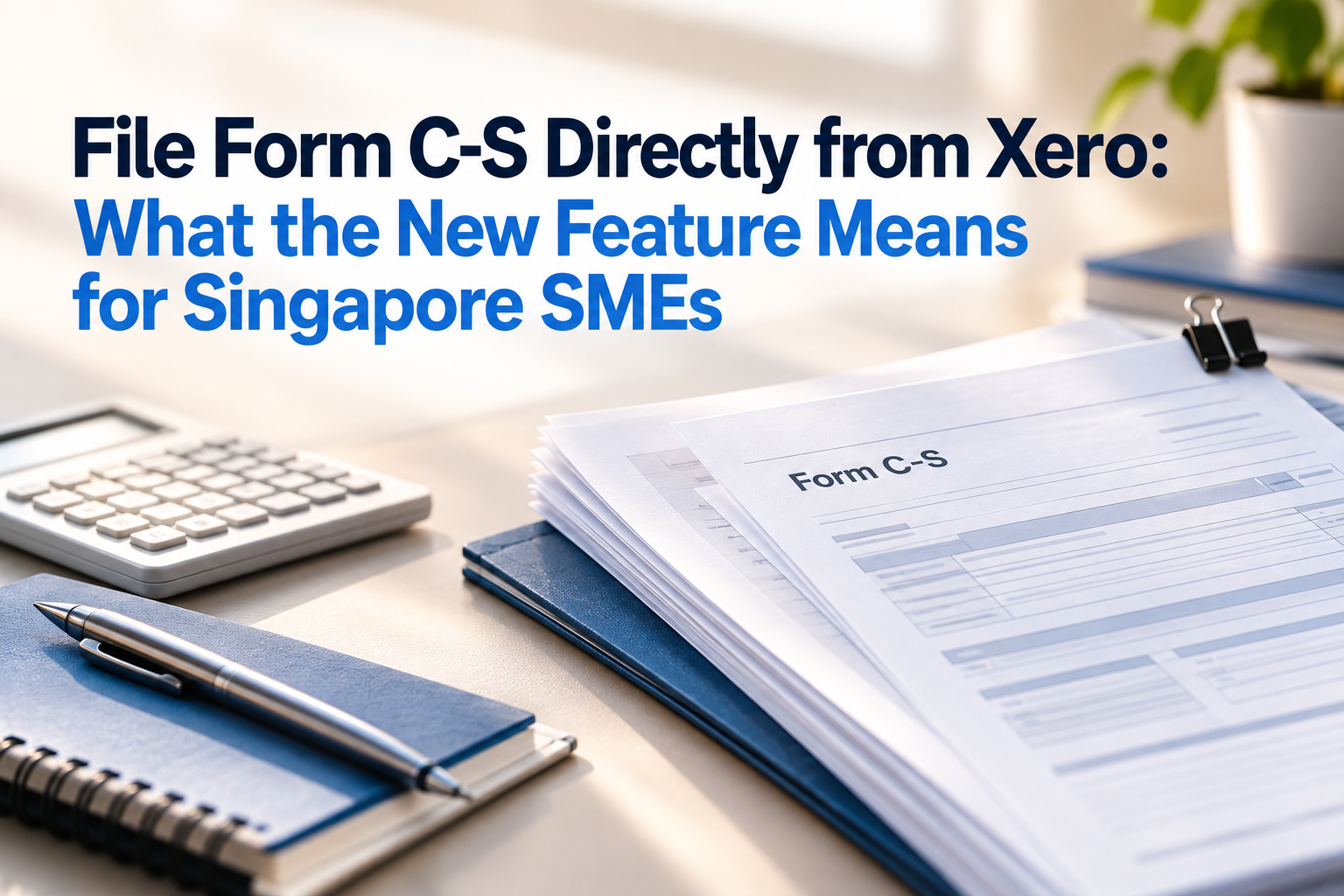

Yes, you can now prepare and file your company’s Form C-S from your Xero data. Xero’s Singapore corporate tax filing feature pulls your profit and loss and chart of accounts, maps them to the IRAS tax fields, and submits the completed return to IRAS through CorpPass.
Do note that the feature runs through xerocompliance.com and not inside the standard Xero menus. This article explains what it does, who it suits and when you are still better off asking an accountant.
What Is the Xero Form C-S Filing Feature?
Xero’s Form C-S filing feature (via Xero Compliance and Xero Singapore) allows qualifying companies to automatically prepare and submit their corporate income tax returns directly to the Inland Revenue Authority of Singapore (IRAS).
In practice, it does the following:
- Pulls data from your profit and loss and chart of accounts from Xero.
- Maps your Xero accounts to IRAS tax categories automatically. You review and adjust the mapping.
- Lets you flag individual bills as deductible or non-deductible for tax.
- Uses IRAS’s own API for the calculations, so the output matches what IRAS expects.
- Retrieves prior-year data held by IRAS through CorpPass, including unutilised capital allowances, losses and donations carried forward. You can edit any amount that looks wrong.
- Lets you enter fixed assets directly or bulk-import them by CSV and carries the asset schedule forward to the next year.
- Links fixed assets tracked in Xero to capital allowance schedules, so the statutory depreciation timeframes are applied.
- Submits the return through CorpPass, you’ll then be given confirmation including a tracking number that you can use within the IRAS portal to see more information about your return.
The app reads from Xero and does not write back to it. This means that Xero Compliance app connects to your existing Xero organisation to pull data but does not change anything inside Xero itself.
The tool is built by Xero and reads directly from your Xero organisation, so there is no export, no import step and no second copy of your data to keep in sync.
Why This Matters for Singapore SMEs
For many small companies, the old routine looks like this: export the P&L, rebuild a tax computation in Excel, then type the numbers into the myTax Portal. Every step is a chance for a keying error, and the spreadsheet is a second copy of your data that nobody keeps in sync.
Xero already lets you file GST F5 returns directly to IRAS. Form C-S extends the same idea to income tax. The ledger, the tax computation and the submission now sit in one flow, and the second year will be faster because your account mappings and asset schedules are already in place.
For accountants and bookkeepers, the practical gain is traceability. Every figure in the return can be traced back to the transaction in Xero, which makes review and audit queries easier to answer.
How This Fits IRAS’s Seamless Filing from Software (SFFS)
This feature is not only a Xero idea. IRAS runs a programme called #SeamlessFilingFromSoftware (#SFFS) that lets companies prepare and file Form C-S through accounting software. The whole filing process, including CorpPass authentication, is linked to IRAS’s systems through APIs, which simplifies filing and reduces the risk of errors.
There are 3 parts in the process:
- Keep your transactions in the software. Companies maintain their operating transactions in accounting software that supports the SFFS corporate income tax features.
- Map your chart of accounts once. You map your accounts to a set of prescribed data elements. Some software offers a default mapping, which helps newly incorporated companies or those new to the software.
- Review and file. The software generates draft documents: the Form C-S, a Profit and Loss Statement, and a Tax Computation with Supporting Schedules. After review, the filer makes a declaration and files only the Form C-S. The other two documents are saved in the software and given to IRAS only on request.
Who Can Use Form C-S in Xero?
Check your form type first
The form you file depends on your annual revenue. Xero’s feature covers Form C-S only.
| Form | Annual revenue | Fields | Supported in Xero? |
|---|---|---|---|
| Form C-S (Lite) | S$200,000 or below | 6 | Not filed as Lite. Eligible companies can opt into Form C-S to use Xero. |
| Form C-S | S$5 million or below | 18 | Yes |
| Form C | Above S$5 million | More complex | No |
Check the eligibility conditions
You can file Form C-S from Xero if your company is incorporated in Singapore and:
- has turnover of S$5 million or below;
- only earns income taxable at the prevailing 17% corporate income tax rate; and
- is not claiming carry-back of current year capital allowances or losses, group relief, investment allowance, or foreign tax credit and tax deducted at source for the year.
If any of these do not apply, you may need to file Form C instead, which Xero’s tool does not support. Confirm your eligibility against the IRAS guidance before you start.
Extra conditions for filing through accounting software
IRAS’s SFFS programme is designed for local companies with simpler tax affairs. A company can use it only if it also:
- had annual revenue of S$5 million or below in the preceding financial year;
- is not an investment holding company or a service company that provides only related party services;
- maintains Singapore dollar as its functional and presentation currency; and
- does not own subsidiaries, associates or joint ventures, and has no investment in intangibles.
Check your Xero plan
Form C-S preparation and submission is included at no additional cost on Xero’s Standard and Premium plans.
How to File Form C-S in Xero: Step by Step
- Confirm your form type and eligibility. Check revenue and the conditions above, including the investment holding exclusion.
- Get your books ready. Reconcile bank accounts and code all transactions for the financial year.
- Check access and roles. You need an active Xero user account with the Standard or Administrator role to add apps to the organisation. The person filing needs an active Singpass profile linked via CorpPass, with permissions to view tax information and file corporate tax returns for the company. Do assign CorpPass Approver role to the person filing.
- Connect Xero to Xero Compliance. Add the app, select Sign in with Xero, log in and choose the organisation to connect.
- Complete the Calculations tab. From the dashboard, click Start Filing under Singapore Form C-S, open the return and work through the sections in the table below.
- Calculate and review. On the Review tab, click Calculate now. Xero uses the official IRAS developer API to calculate the tax for the Year of Assessment. Then check the Confirmation section: Part A for qualifying checks, Part B for tax adjustments and net calculations, and Part C for financial statement summaries.
- Declare and file. Click Declare & File, complete the declaration, click File with IRAS and enter your CorpPass credentials.
- Keep the confirmation. Xero gives you a tracking/acknowledgement number you can use in the IRAS portal to see more about your return. Keep it with your records.
What the Calculations tab covers
| Section | What you do |
|---|---|
| Company details | Verify the legal name and Unique Entity Number (UEN) sent from Xero. |
| Qualifying Criteria | Tick off the legislative requirements to confirm you can use Form C-S rather than Form C. |
| Account Mapping | Sort your Xero chart of accounts (revenue, interest, expenses) into predefined tax categories. |
| Transaction Refinement | Flag individual bills as deductible or non-deductible for tax. |
| IRAS prefill & balances | Sign in with CorpPass to retrieve unutilised capital allowances, losses and donations carried forward from last year. Edit any amount that differs. |
| Claims & Declarations | Answer scenario-based schedule questions about your financial year. |
| Asset Register | Link fixed assets tracked in Xero to capital allowance schedules. |
Warning: once you click File with IRAS, you cannot edit the calculations or refile through the app. If anything needs to change after that, you must use the IRAS portal. Review every section before you file.
Should You File It Yourself or Use an Accountant?
The software removes the typing. It does not remove the judgement. The riskiest parts of a return are usually the account mapping and the fixed asset schedule, not the submission step. For example, accounting depreciation is not deductible for tax. It is added back, and capital allowances are claimed instead, so a wrong asset schedule changes your tax payable. Xero Compliance also asks you to flag individual bills as deductible or non-deductible, which is a judgement call rather than a calculation.
| Reasonable to file yourself | Better with an accountant | |
|---|---|---|
| Company profile | Singapore company, revenue up to S$5m, income taxed at 17% only | Group relief, carry-back, investment allowance or foreign tax credit in play |
| Books | Reconciled monthly, consistent coding, complete asset register | Backlog, unreconciled accounts, or unclear coding |
| Skills in-house | Someone comfortable with tax add-backs and capital allowances | No one who can judge deductibility |
| Risk appetite | Low-complexity year | Restructuring, large disposals or one-off transactions |
It would be reasonable to perform the filing yourself if you are hands-on with own books and the business affairs are reasonably straightforward.
A sensible middle path is to prepare the return in Xero and ask your accountant to review the mappings and asset schedule before you submit.
Common Mistakes to Avoid
- Accepting the auto-mapping without checking it. Auto-mapping saves time, but a miscoded account flows straight into the return.
- Filing on incomplete books. Uncoded or unreconciled transactions change the profit figure that the whole return is built on.
- Neglecting fixed asset disposals. Missing disposals distort capital allowance calculations.
- Assuming you qualify for Form C-S. Check the conditions each year, because your circumstances can change.
- Forgetting ECI. It has its own deadline and is separate from the return.
- Filing before a final review. You cannot edit or refile through the app after you click File with IRAS.
- Leaving it to November. CorpPass access problems and review questions are much easier to handle with time to spare.
Key Dates
IRAS requires corporate tax returns to be filed electronically by 30 November each year. For Year of Assessment 2026, that is 30 November 2026. Late filing can lead to enforcement actions such as IRAS composition or summons.
However, if you file through IRAS-approved accounting software using SFFS, IRAS automatically extends the due date by 15 days, from 30 November to 15 December 2026. You do not need to request the extension.
Get Help With Xero and Filing Season
Not sure whether Form C-S in Xero suits your company? 361 Degree Consultancy Pte Ltd (361DC) trains and supports Singapore businesses on Xero. We can review your chart of accounts, fixed asset register and Xero set-up before you file, so the mapping is clean from the start.
Contact us at 6515 7906 or enquiry@361dc.com.
This article is general information and not tax advice. Confirm requirements with IRAS or a qualified tax professional.
FAQs
Yes, through the Xero Compliance Singapore app. It prepares the return from your Xero data and submits it to IRAS through CorpPass.
There is no extra charge for IRAS Form C-S filing on its Standard and Premium plans.
Not Form C. For Form C-S (Lite), eligible companies can opt into Form C-S instead to use the tool.
Yes. CorpPass is the mandatory authorisation system for submitting tax returns to IRAS. The filer should hold the Approver role for corporate tax filing.
Not through the app. You cannot edit the calculations or refile via Xero Compliance once you click File with IRAS. Use the IRAS portal for changes.
#SeamlessFilingFromSoftware is an IRAS programme that lets eligible companies prepare and file Form C-S through accounting software linked to IRAS systems by APIs, like Xero.
Under IRAS’s SFFS process, only the Form C-S is filed. The Profit and Loss Statement and Tax Computation with Supporting Schedules are saved in the software and given to IRAS only on request.
No. ECI needs to be manually filed through IRAS’s tax portal.
Not always. A simple company with clean books can reasonably prepare its own Form C-S. If your tax position is more complex, or you are unsure about deductibility, a review by an accountant is worth the cost.