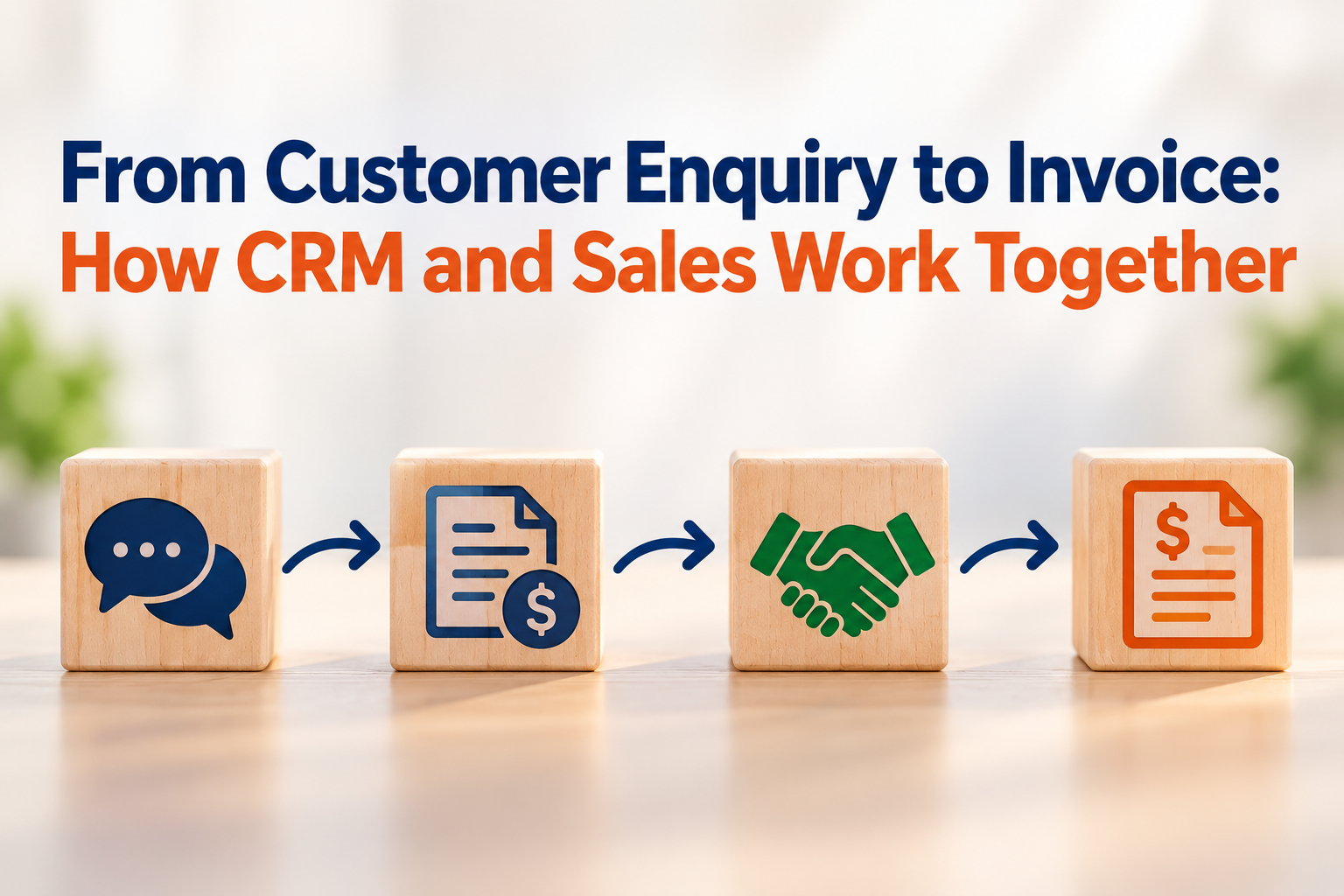

A customer sends a message asking for a price. Someone on your team replies, prepares a quotation and waits to hear back. A few days later, the customer accepts, and the work moves ahead. It is a familiar moment in a small business, but it can involve several people and a surprising amount of repeated typing.
That is where a connected sales process can help. CRM keeps the enquiry and conversation together. The quotation turns the discussion into a clear offer. Once it is accepted, the sale can move towards fulfilment and invoicing, with the important details carried along.
The software does not need to make the process complicated. At its best, it simply helps the team see what has happened, what the customer agreed to and what needs to happen next.
The conversation starts in CRM
When a potential customer contacts a business, CRM gives the team a place to record who they are, what they need and who will follow up. If the enquiry has potential, staff may track it as an opportunity. The value is not in the label. It is in having the notes and next steps visible when someone needs to pick up the conversation.
Imagine a customer asking about equipment for a new office. The salesperson records the items requested, the quantities and any questions that still need answers. If a colleague takes over while the salesperson is away, they can read the history before calling. The customer does not have to start from the beginning.
This is especially useful before the customer has made a decision. The enquiry may need a follow-up, a revised proposal or simply time. A shared record helps the team keep the conversation moving without turning every customer interaction into a memory test.
A quotation gives the discussion shape
When the business understands what the customer is looking for, the next natural step is a quotation. It puts the proposed products or services, quantities, pricing and terms in one place, so both sides can review what is being offered.
If the quotation is linked to the CRM record, the salesperson can see which enquiry it belongs to and refer back to the earlier discussion. Some systems let the team create the quote directly from an opportunity. Others use separate sales software that shares customer information. Either way, the aim is to avoid starting the quote from a blank page or losing the context behind it.
Customers often ask for adjustments before accepting. A quantity changes, an item is replaced or the delivery date needs to be confirmed. Keeping the revised quote connected to the same conversation makes it easier for the team to tell which version is current and what the customer has actually approved.
From accepted quote to invoice
Once the customer accepts, the business has a confirmed sale. Many systems record this as a sales order, which captures what the business has agreed to provide. That record can guide the next work, whether it is preparing goods, scheduling a service or arranging delivery.
The invoice follows according to the way the business delivers its products or services. Some businesses invoice when the order is confirmed. Others invoice after delivery, when work is completed or at agreed milestones. When invoicing uses the confirmed sales details, the team can carry the customer and item information forward instead of entering it all again.
Odoo is one example of this kind of flow: its documentation describes creating quotations from CRM opportunities, confirming accepted quotations as sales orders and creating invoices from sales records. The exact steps vary across products, so businesses should check how their chosen system handles the handoff.
For the accountant, the link between the accepted quote and invoice can make it easier to check what was sold and what is being billed. For the owner or salesperson, it gives a clearer picture of which enquiries have turned into real work. It is a small connection that can make the customer journey easier to follow.
Keeping the process simple
Not every small business needs a full CRM and sales setup. If enquiries are few and one person handles quotations and invoices, the current process may be working well enough. But when several people handle customers, quotes are frequently revised or follow-ups are hard to keep track of, it may be time to look at how the information moves.
A useful place to start is to look at one recent sale. Could the team find the original enquiry, the final quotation and the invoice without searching through multiple inboxes? Did the customer have to repeat any details? Did the invoice match what they accepted? These everyday questions can show where a better connection would help.
CRM, quotations and invoicing are not separate ideas. They are parts of one customer relationship, from the first question to the request for payment. When the handoffs are clear, the team spends less time chasing information and more time giving customers a smooth experience.
If you are reviewing how your business handles enquiries, quotations and invoices, 361 Degree Consultancy can help you assess the process and explore suitable software options. Call 6515 7906 or email enquiry@361dc.com to discuss your requirements.