
Most nonprofits in Singapore run finance with two or three people covering everything from bookkeeping to board reporting. When a bill has to go through email for sign-off, it often sits in an inbox for days before anyone notices. Xero already handles the accounting side well. Pairing it with ApprovalMax adds the piece Xero does not do on its own: a structured, auditable approval layer that runs without adding headcount. This article covers what the two tools do together, where the time and cost savings actually show up for a lean nonprofit team, and how to set it up.
The Approval Bottleneck Most Lean Nonprofit Teams Run Into
A typical setup looks like this: a bill comes in, gets forwarded to the Executive Director for approval, then to a board treasurer for a second sign-off before payment. When that happens over email, a few things tend to go wrong.
- The approval sits with one person, so if they are travelling or busy, everything else waits.
- There is no single place to see which bills are approved, pending, or forgotten.
- Reconstructing who approved what, and when, for an audit or a grant report means digging through old emails.
- Every new approver, whether staff or a board member, usually needs a Xero login just to see what they are signing off on.
None of this is a Xero problem specifically. Xero was built to be an accounting system, not an approval system, and its built-in bill approval is intentionally simple.
What Xero and ApprovalMax Actually Do Together
Xero: the accounting engine
Xero handles the bookkeeping side of a nonprofit’s finances: bank feeds, recording donations and grants, GST tracking, payroll, and the reports a board or donor would want to see. Xero also offers a discount on its business pricing plans for verified nonprofits and charities, which is worth applying for before setting anything else up.
ApprovalMax: the approval layer Xero does not have
ApprovalMax sits on top of Xero and takes over the sign-off process for bills, purchase orders, credit notes and batch payments. It syncs both ways with Xero, so an approved bill in ApprovalMax shows as approved in Xero automatically, without anyone re-entering anything. Approvers work inside ApprovalMax itself, which means a board treasurer or an Executive Director can review and approve requests without ever needing a Xero login, or the full access to the accounting system that a login would give them.
How the Approval Flow Works in Practice
- A bill or purchase order enters Xero (or is captured directly through ApprovalMax).
- ApprovalMax checks it against the workflow rules set up for the organisation, such as who approves what, and at what amount.
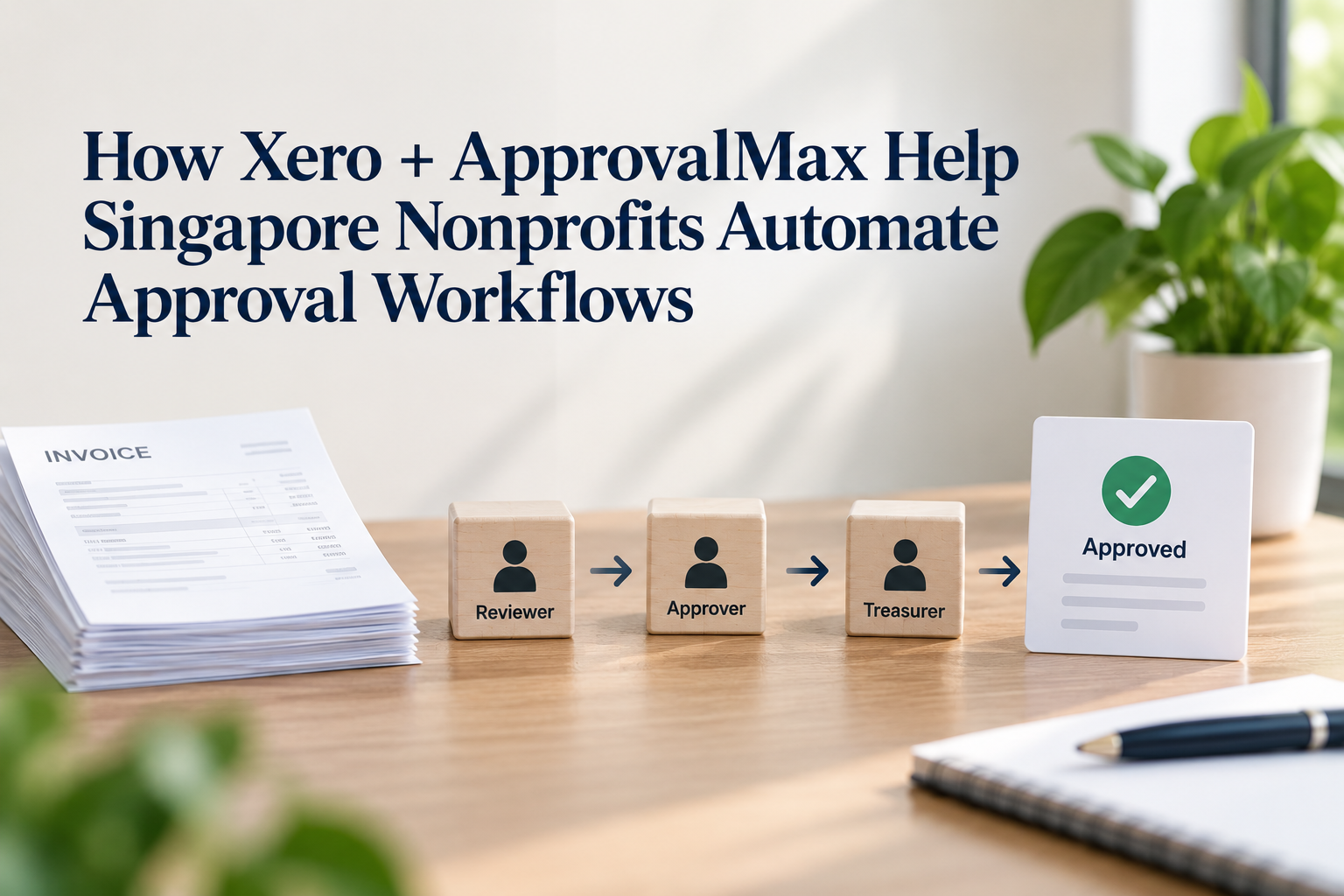
- The request is routed automatically to the right approver, or approvers, in sequence.
- The approver reviews it on desktop or the mobile app, and approves, rejects or comments.
- Once every required approval is in, the record syncs back to Xero marked as approved and ready for payment.
- A full, time-stamped log of the whole approval chain is kept automatically.
Where the Time and Cost Savings Actually Show Up
For a two- or three-person finance function, the saving is rarely in the bookkeeping itself. It shows up in the admin work around approvals: chasing signatures, tracking down what is still pending, and not having to hand every approver full access to the accounting system just so they can sign off on spending.
| Task | Manual approvals (email/paper) | Xero + ApprovalMax |
|---|---|---|
| Approval turnaround | Days to weeks, depending on who is in office or checking email | Hours, with automatic routing and mobile approvals |
| Who can approve | Usually means giving them a full Xero login and access to the whole company file | Approvers work inside ApprovalMax without needing a Xero login at all |
| Tracking status | Manual follow-up by phone, email or in person | Live dashboard showing where every bill or claim sits |
| Audit trail | Scattered across inboxes, chat threads and paper | One time-stamped record per approval, synced back to Xero |
| Adding a new approver | Admin has to set up a new Xero login and decide what they can see | Added to the workflow rules in minutes, with no access to the accounting system itself |
Xero itself does not charge per user, so adding an approver to Xero directly would not add a licence fee. The real cost sits elsewhere: staff time spent chasing signatures, reconstructing an approval trail for an audit, and the risk of handing a volunteer board member a full Xero login just so they can approve one bill a month. ApprovalMax removes that trade-off. A treasurer or Executive Director can approve requests from their phone without ever being given access to the wider accounting system, and the finance team gets that chasing time back.
A Lighter Load for Audits, Grants and Donor Reporting
Singapore’s Charity Council Code of Governance expects registered charities and Institutions of a Public Character to have proper internal controls, including clear segregation of duties around approving and releasing payments. A structured approval workflow is one of the more straightforward ways to demonstrate this to an auditor or a funder, since every sign-off is already logged with a name and a date instead of living in someone’s inbox.
Setting Up Xero and ApprovalMax for Your Nonprofit
- Confirm your nonprofit’s eligibility for the Xero nonprofit discount before subscribing.
- Connect ApprovalMax to your Xero organisation through the Xero App Store.
- Map out your actual approval hierarchy: who signs off on what document type, and at what dollar amount.
- Start with a small batch of bills to test the workflow before rolling it out to the whole team.
- Install the mobile app for approvers who are often out of the office, such as board members.
Common Mistakes to Avoid
- Building an approval chain with too many steps, which just recreates the old bottleneck inside new software.
- Setting every bill to require the Executive Director’s approval, regardless of amount, instead of using threshold-based rules.
- Forgetting to remove approvers who have left the organisation or rotated off the board.
- Skipping a test run and switching the whole team over on day one.
Getting Started
Getting the approval hierarchy right the first time saves a lot of rework later. 361DC helps Singapore nonprofits set up Xero and ApprovalMax to match how their board and finance team actually operate, not just how the software works out of the box. Contact us at 6515 7906 or enquiry@361dc.com to get started.
Frequently asked questions
No. Xero does not charge per user, but giving someone a login still gives them access to the accounting system itself. People approving bills, purchase orders or payments in ApprovalMax do it without a Xero login, which is one reason it suits boards and volunteer treasurers who only need to approve, not access the books.
Xero has basic bill approval, but it is limited to simple, single-step sign-off. ApprovalMax adds multi-level, role-based and amount-based routing that Xero does not offer on its own.
Xero offers a discount on its business pricing plans once a nonprofit's registration is verified, and ApprovalMax has run not-for-profit discounts on its plans as well. Rates change from time to time, so it is worth confirming current terms before signing up.
Yes. ApprovalMax has a mobile app, so a director or treasurer travelling or working off-site can review and approve a bill without being at a desk.
Yes. Every approval is logged with a name, a timestamp and any comments, which gives auditors and funders a clear record of who signed off on what, without anyone having to reconstruct it from email.
For a nonprofit with a straightforward approval hierarchy, connecting ApprovalMax to Xero and mapping out the workflow rules can typically be done within a few days.
No. Depending on the plan, ApprovalMax can route bills, purchase orders, credit notes and batch payments, so it covers most of the outgoing-money side of a nonprofit's finance process.