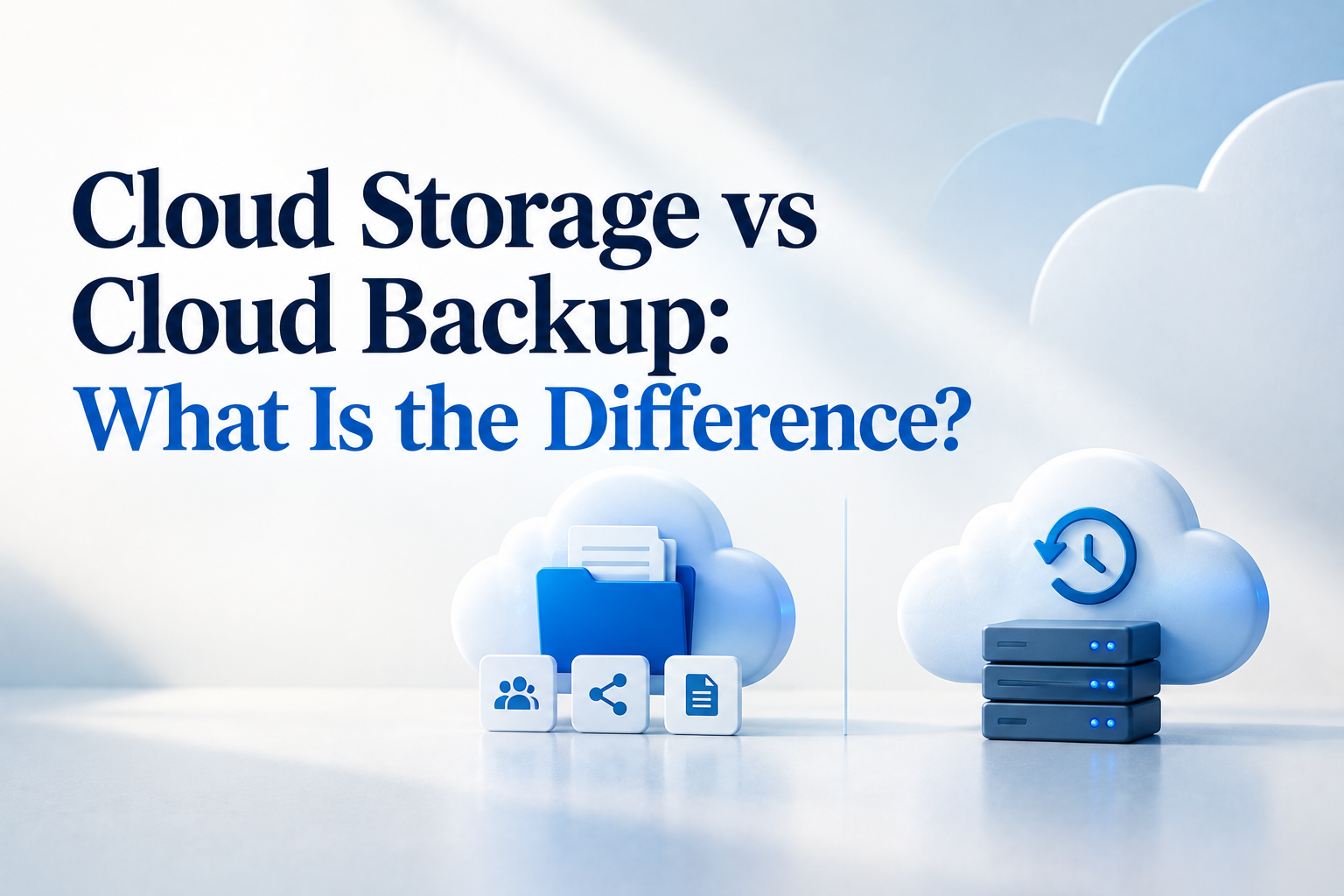

Cloud storage and cloud backup both keep information online, but they are designed for different jobs. Cloud storage helps people access, share and work on files. Cloud backup keeps separate copies that can be restored when the working files are unavailable, changed or deleted.
An SME may use both without adding a complicated IT project. The first step is simply to understand what your current service already provides and how long it keeps recoverable copies.
What cloud storage does
Cloud storage is the online location where your team keeps active files. Services such as shared drives allow staff to open documents from different devices, send links and work on the same file. It is useful for daily access and collaboration.
Many cloud storage services also include syncing. When a person edits, renames or deletes a synced file, the change may appear on the other connected devices. Version history and a recycle bin can help, but the available recovery period depends on the provider and plan.
What cloud backup does
Cloud backup creates recoverable copies of selected files, devices, databases or systems. It normally runs automatically according to a schedule and keeps copies for an agreed period. The main purpose is recovery rather than everyday file sharing.
A backup becomes useful when a laptop stops working, a folder is deleted by mistake or an earlier version of a record is needed. The backup service should let the business restore the required information without changing the original working process.
Cloud storage and cloud backup compared
| Area | Cloud storage | Cloud backup |
|---|---|---|
| Main purpose | Access, sharing and collaboration | Recovery of earlier or separate copies |
| How it works | Keeps active files online and may sync changes | Copies selected information on a schedule |
| Typical use | Opening and editing current documents | Restoring information after loss or an unwanted change |
Does an SME need both
Many businesses benefit from using storage for daily work and backup for recovery. This does not mean buying two large or expensive systems. One provider may offer both functions, or the business may keep an independent backup of its most important information.
Start with the information the company needs to operate, such as accounting records, customer documents, contracts and working files. Then check whether the current service can restore an earlier copy, how far back recovery goes and whether the business can export its data in a usable format.
Singapore’s Cyber Security Agency recommends regular backups and advises organisations to test them so they know the recovery process works. The test can be simple. Choose a sample folder or report, restore it to a safe location and confirm that it opens correctly.
What to ask before choosing a service
- What information is included in the backup?
- How often are copies created, and how long are they kept?
- Can one file be restored without restoring everything?
- Who is allowed to delete backups or change the settings?
- Is there an extra charge for storage, exporting data or recovery?
The answers should match how the business works. A company that updates transactions throughout the day may want more frequent copies than a company with a small archive that changes once a month.
A simple place to begin
List the information your business would need first if a device or service became unavailable. Check where that information is stored, what recovery options already exist and who knows how to use them. This short review often shows whether the current setup is sufficient or whether a separate backup would be useful.
Need help reviewing your software, cloud storage or backup requirements? Contact 361 Degree Consultancy at 6515 7906 or enquiry@361dc.com for a practical discussion about your current setup.
Frequently asked questions
These services provide cloud storage and may include syncing, version history and deleted-file recovery. Check the plan's retention and restore options before treating it as your only backup.
Yes. Ask the software provider what it backs up, what users can restore and how data can be exported. Keep scheduled exports of key records when this supports your recovery needs.
Choose a frequency based on how much work the business could reasonably recreate. Information that changes every day normally needs more frequent backup than a rarely updated archive.
Yes. Keep it in a safe place and disconnect it when the backup is complete. Check it occasionally by restoring a sample file.
Review the backup status and test a small restore. A successful backup message is helpful, but opening a restored file gives better confirmation.