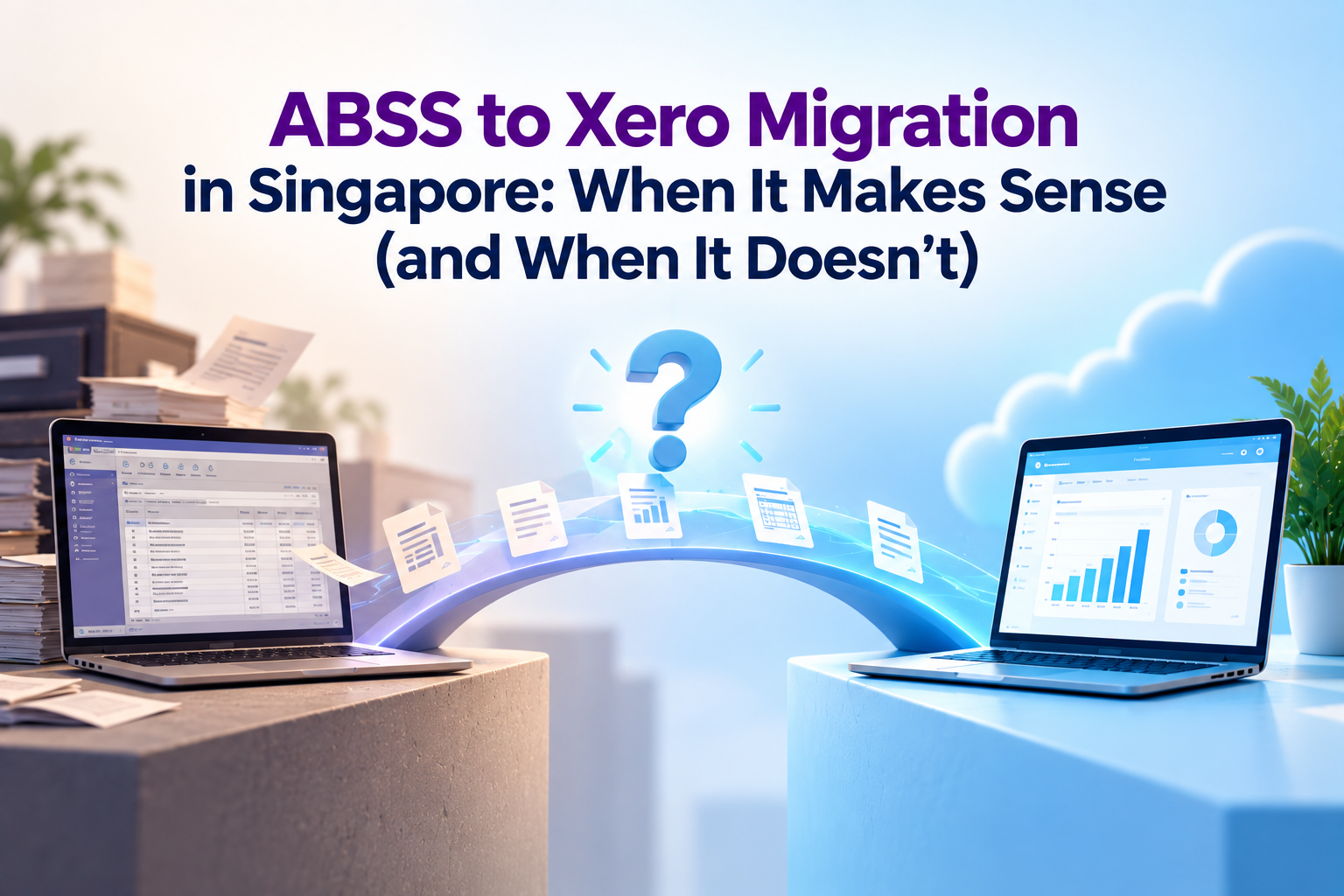

A lot of Singapore SMEs ask us the same question: “Should we move from ABSS to Xero?” The honest answer is: it depends on how your business operates today, not on which software is newer. This guide walks through the situations where migrating genuinely pays off, what the migration process looks like, and when staying on ABSS is the smarter call.
Quick Answer: Should You Migrate from ABSS to Xero?
Migrate if your business has outgrown a single-location, desktop-based way of working: you’re opening new outlets, connecting e-commerce or POS systems, managing a remote team, or you need management reports the moment a transaction is entered. Stay on ABSS if your operations are stable, your team is proficient in it, and your current workflow already meets your compliance and reporting needs.
The sections below go into each trigger and the practical steps to migrate, so you can make the call with your own numbers, not general advice.
4 Signs It's Time to Migrate from ABSS to Xero
1. You’re Managing Multiple Locations or Entities
ABSS was built around a single company file installed on a single machine or local server. Once you open a second outlet, a second entity, or start consolidating numbers across branches, across entities, that structure starts working against you. Someone has to physically export, email, or manually re-key data between files.
Xero runs entirely in the browser, so every location logs into the same organisation file in real time. If you’re already juggling separate ABSS files per outlet and reconciling them at month-end, that reconciliation effort is usually the clearest sign migration will save real hours.
2. You Need E-commerce, POS, or Payment Gateway Integrations
ABSS integrates with a narrower set of local add-ons, and most connections to e-commerce platforms, POS systems, or payment gateways require a middleware tool or manual CSV imports. Xero has a large app marketplace with direct connections to platforms such as Shopify, Amazon, POS systems, and payment gateways like Stripe.
If your sales already happen across an online store, a POS terminal, and marketplaces, and you’re manually consolidating those sales into ABSS every week, that manual step is exactly what a Xero-based integration removes.
3. Your Team Works Remotely or Across Different Locations and Devices
ABSS Accounting and ABSS Premier are desktop-installed software, tied to the machine (or server) they’re licensed on. ABSS does offer “Connect” editions with some cloud-connected features, but the core working experience still centres on a local installation. If your finance team, business owners, or approvers need to check numbers or approve invoices from home, a client site, or overseas, a fully cloud-based platform removes the VPN, remote desktop, or physical-office dependency altogether.
4. You Want Real-Time Reporting and Dashboards
In ABSS, reports typically reflect the data as of your last manual backup or sync point. In Xero, every bank feed, invoice, and bill updates the dashboard and reports immediately, so a business owner can check cash position or aged debtors at any time without asking the accounts team to run a report.
If you or your management team currently wait for a monthly or weekly report pack before making decisions, real-time visibility is often the single biggest quality-of-life improvement from migrating.
How the ABSS to Xero Migration Works
A well-run migration takes most SMEs between three and six weeks, depending on transaction volume and how many customisations exist in the current ABSS file. Here’s the sequence we follow with clients.
Step 1: Redesign Your Chart of Accounts
Don’t just copy your ABSS chart of accounts into Xero. This is the best opportunity to clean it up: merge duplicate or unused accounts, align account codes to how you actually want to see reports (by department, cost centre, or location), and map each ABSS account to its Xero equivalent before any data moves.
Step 2: Extract and Verify Opening Balances
Pull a trial balance from ABSS as at your migration cut-off date (usually the start of a new month, financial quarter or financial year). Reconcile it against your bank statements and GST records first — migrating incorrect balances just moves the problem into a new system. Once verified, these become your opening balances in Xero.
Step 3: Set Up Xero and Map Your Data
Configure your Xero organisation: chart of accounts, tax rates (including GST codes), bank feeds, customer and supplier contacts, and any tracking categories for location or department reporting. Historical invoices and bills can be imported in summary or in detail, depending on how far back you need transaction-level history for audit or customer queries.
Step 4: Run ABSS and Xero in Parallel
If possible, keep entering transactions in both systems and compare the outputs for at least one full GST reporting cycle, i.e. your GST F5 figures, aged receivables, aged payables, and bank reconciliation. This parallel run is what catches mapping errors before ABSS is switched off, and it’s the step most businesses are tempted to skip to save time. We’d advise against skipping it.
Step 5: Train Your Team and Go Live
Xero’s workflow differs enough from ABSS that even experienced users need structured training, particularly around bank reconciliation, which is far more automated in Xero, and around approval workflows if you’re using them. Once the team is comfortable and the parallel run matches, you can retire ABSS and go fully live on Xero.
Stay on ABSS If…
Migrating isn’t automatically the right move. These are the situations where we’d tell a client to stay put:
- Your operations are single-location, stable, and not adding new sales channels in the near term.
- You rely on ABSS’s inventory module for manufacturing or trading operations that Xero handles less natively.
- Your team is highly proficient in ABSS and retraining costs would outweigh the reporting benefits right now.
- Your accountant or bookkeeper works exclusively in ABSS and switching would complicate your existing compliance workflow.
In short: if nothing in the four triggers above describes your business, migrating mainly adds cost and change-management effort without a matching return.
ABSS vs Xero: Quick Comparison
| Factor | ABSS | Xero |
|---|---|---|
| Access model | Desktop-installed (Connect editions add some cloud features) | Fully cloud-based, any device with a browser |
| No. of users | Depends on number of user licenses purchased | Unlimited |
| Multi-location use | Can only be accessed from a single location or on specific device(s). | Real-time access across locations and devices. |
| Integrations | Narrower local add-on ecosystem | 1,000+ apps incl. e-commerce, POS, HRM, payments |
| Reporting | As of last sync/backup | Real-time dashboards and reports |
| Pricing model | Perpetual licence or Connect subscription | Monthly subscription, tiered by features |
| Best fit | Stable, single-location, inventory-heavy operations | Growing, multi-location, or integration-heavy operations |
Cost Considerations
ABSS is typically sold as a perpetual licence, so the upfront cost is higher but there’s no recurring subscription for the core software, though annual support and version upgrades are usually separate costs. Xero is a monthly subscription across three tiers in Singapore: Starter, Standard, and Premium.
The right comparison isn’t licence cost versus subscription cost in isolation — it’s total cost including the staff hours currently spent on manual consolidation, remote access workarounds, or delayed reporting. For many multi-location or integration-heavy businesses, that hidden cost is what tips the decision toward Xero even though the sticker price looks higher over time.
Get Migration Support from 361 Degree Consultancy
If you’re weighing up an ABSS to Xero migration, we can help you assess whether it makes sense for your specific operations, and manage the chart of accounts redesign, data migration, and team training if you decide to go ahead.
Contact us at 6515 7906 or enquiry@361dc.com for a no-obligation assessment of your current setup.
Frequently asked questions
Yes. You can bring across your chart of accounts, contacts, and either summarised or detailed historical transactions, depending on how much transaction-level history you need for audits or customer queries. Most businesses migrate detailed data for the current financial year and summarised opening balances for prior years.
For most SMEs, three to six weeks from chart of accounts redesign to go-live, including one parallel-run GST cycle. Larger or highly customised ABSS files can take longer.
Not if the migration is planned around a GST reporting cycle. Running both systems in parallel for one cycle before switching off ABSS is the safeguard against this.
Xero supports Singapore GST filing and invoicing workflows. If InvoiceNow (Peppol) compliance is a specific requirement for your business, let us know and we’ll be happy to guide you through the steps.
Yes, and it's recommended. Running both in parallel for at least one reporting cycle is the standard way to catch data mapping errors before fully switching over.
It's not strictly required, but a consultant familiar with both systems significantly reduces the risk of mismapped accounts, incorrect opening balances, or GST reporting gaps.