
A simple guide to managing staff access and software accounts
Giving every employee their own software login is one of the simplest ways to keep business systems organised. It allows the company to decide what each person can access, record who completed an action and remove access without affecting everyone else.
What an individual software login means
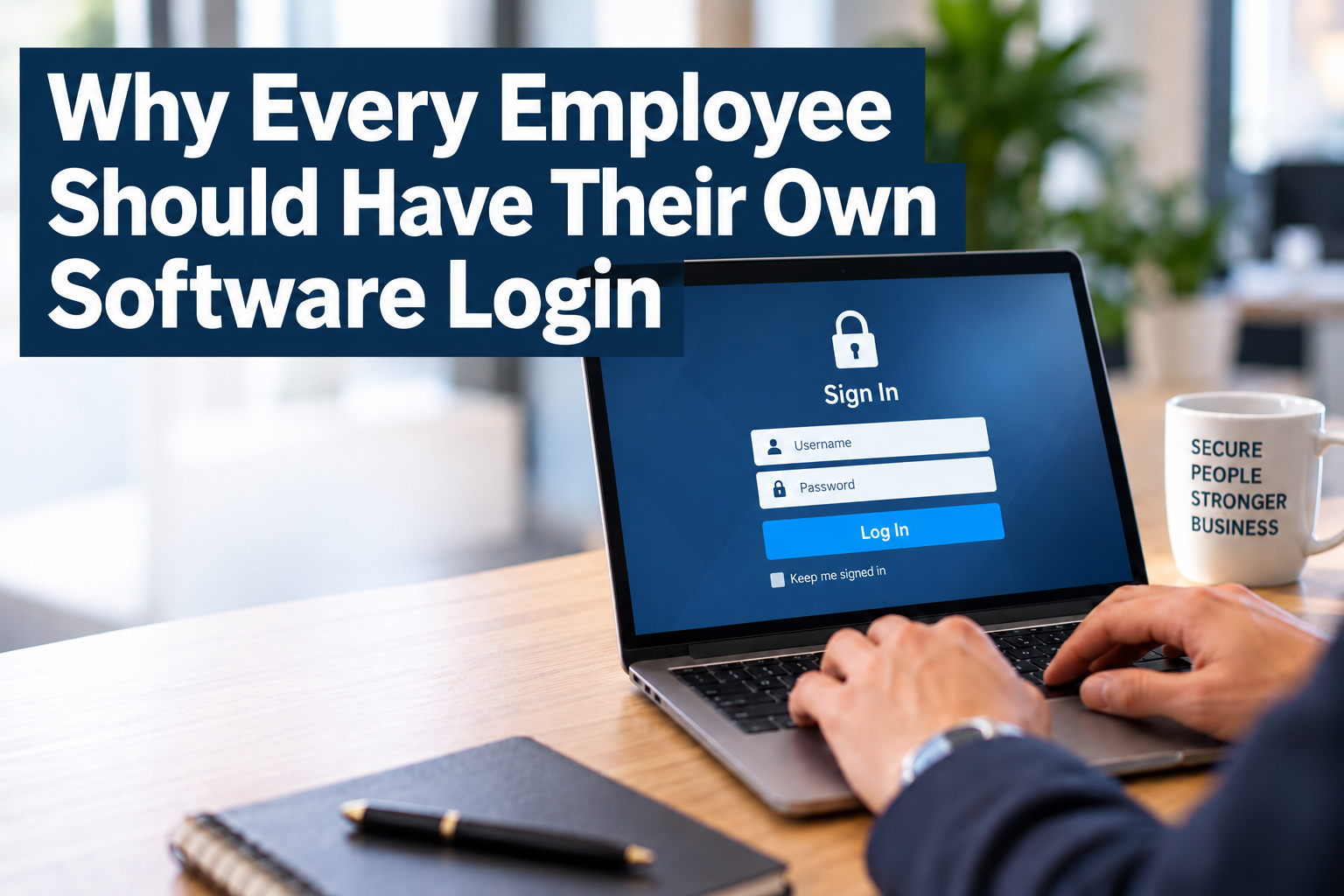
An individual login is a user account assigned to one person. The employee signs in with their own username or email address and password. If the system supports multi-factor authentication, the second verification method is also connected to that person.
Why shared logins become inconvenient
The UK National CyberSecurity Centre advises small organisations to give each person a separate work account. It explains that shared accounts make it harder to keep information private and to connect an action to a particular person.
Benefits of giving every employee their own login
You can see who did what
Many business systems keep a history of important activities. With individual accounts, the history can show who created an invoice, adjusted stock, updated a customer or approved a purchase. If everyone uses the same account, the system may only show the shared username.
Employees only see what they need
Most modern software allows administrators to assign roles and permissions. This means employees can access the functions needed for their work without automatically seeing every part of the system.
Access can also change when someone moves to a new role. The company updates that person’s permissions without changing the way everyone else signs in.
Staff changes are easier to manage
When an employee leaves, the administrator can disable that person’s account. Other employees can continue working with their existing passwords and settings.
With a shared login, the company may need to change the password, inform every remaining user and update saved login details on several devices. Separate accounts make the process much cleaner.
Multi-factor authentication works properly
Multi-factor authentication asks for another form of verification in addition to a password. The Cyber Security Agency of Singapore explains that common methods include an authenticator application or a code sent to the user’s phone.
This is much easier to manage when every employee has an individual account. Each person receives their own verification request instead of depending on one colleague’s phone.
Passwords remain personal
Employees do not need to send a shared password through email, chat or a spreadsheet. If someone forgets their password, they can reset their own account without interrupting the rest of the team.
Employees can still share the same computer
Yes. A shared computer and a shared software account are different things. Two employees can use the same desktop or point-of-sale device while signing in to the business software with their own accounts.
How to introduce individual logins
The change does not need to become a large IT project. Start with the systems that contain financial, employee, customer or operational information.
- List the users. Record employees, managers, contractors and external accountants who currently need access.
- Create a separate account for each person. Avoid generic names such as accounts, admin or sales when the account is used by several people.
- Choose the correct role. Give each user the functions needed for their work. Keep administrator access for the people responsible for managing the system.
- Turn on multi-factor authentication. Start with administrators, finance users and employees who can access sensitive information.
- Review access regularly. Remove old accounts and adjust permissions when employees change roles or leave.
When the software charges per user
Some software subscriptions charge for every user, so the business should decide carefully who genuinely needs direct access. Employees who only need reports or approvals may be able to use a lower-cost role, limited user licence or approval portal.
A small change that keeps software manageable
When choosing new business software, ask whether it supports individual users, role-based permissions, activity history and multi-factor authentication. These features make everyday administration simpler for both management and employees.
Help with choosing business software
361 Degree Consultancy helps Singapore SMEs assess accounting, ERP and integrated business software based on their workflow, user requirements and access controls. Speak with us at 6515 7906 or enquiry@361dc.com.
Frequently asked questions
No. Administrator access should be limited to the people responsible for settings, users and security. Most employees only need a standard role related to their work.
It is better to use a separate work email address or username for each employee. This makes password resets, verification and activity records easier to manage.
They work together but are not the same. The individual login identifies the user. Role-based access determines what that user is allowed to view or do.
Yes, if the software supports it. Give the accountant an individual account with suitable permissions, then remove or disable access when it is no longer required.
Review access whenever an employee joins, changes role or leaves. It is also sensible to check active users and permissions every few months.