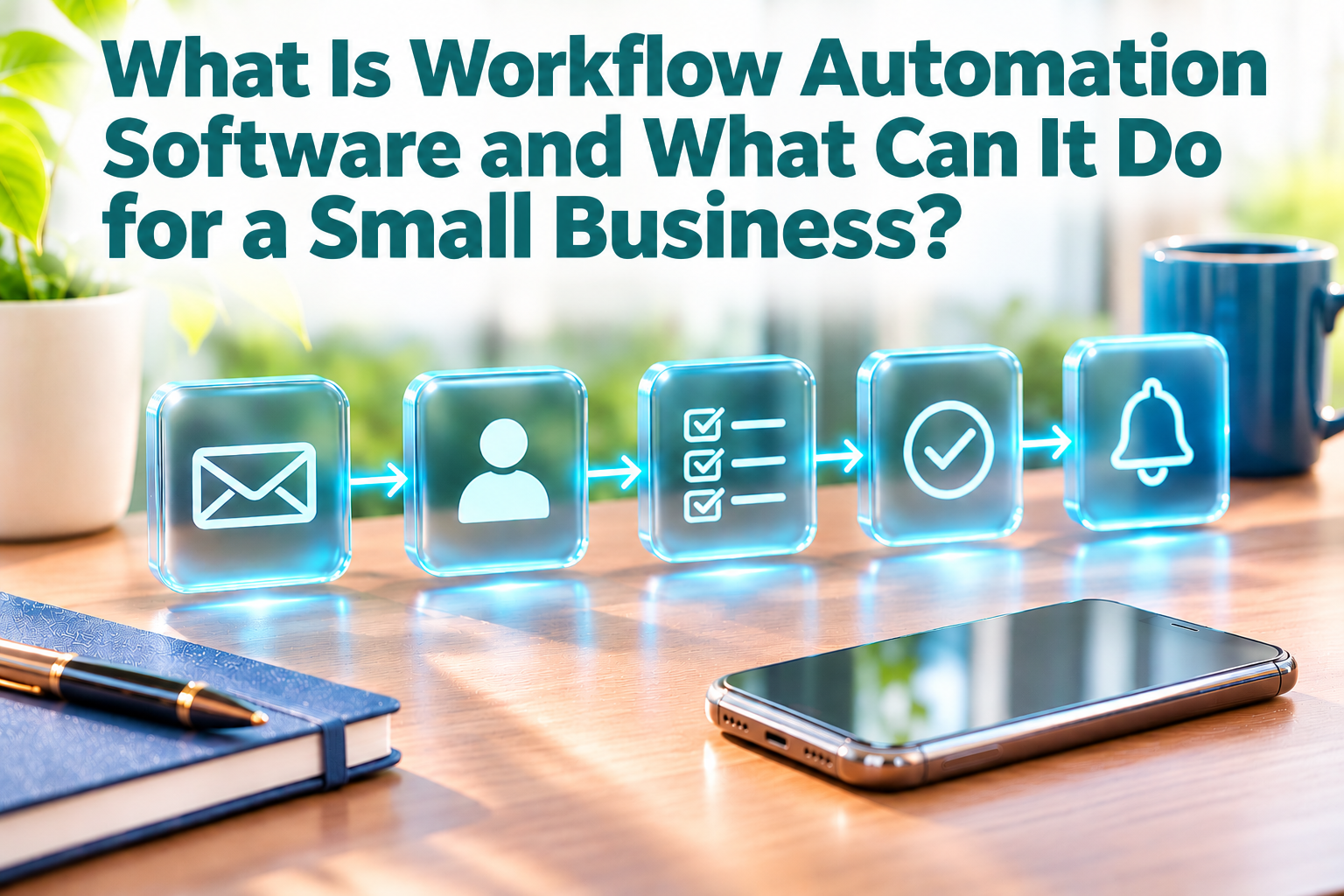

A new customer enquiry arrives while the team is busy. Someone needs to read it, record the details, let the right colleague know and remember to follow up. Each step is simple on its own, but repeated across a working week, these small handovers can take up time and make it harder to see what has already been done.
Workflow automation software helps connect those repeatable steps. It can respond to a specific event, such as a form being submitted or a record being updated, and then carry out a set action, such as creating a task or sending a notification. The aim is not to remove people from the process. It is to let software handle predictable admin while staff focus on decisions and customer conversations.
The small repeated steps add up
Many business processes follow a familiar pattern. An enquiry comes in, a staff member records it, another person reviews it and someone follows up. The same pattern appears in leave requests, purchase approvals, customer onboarding and invoice reminders.
When the process depends on someone remembering every handover, work can stall even when everyone is trying their best. A simple automated workflow can create a task for the next person, send a reminder when a due date is approaching or update a shared record after an approval. Staff can then check the same record rather than asking around for the latest status.
For example, a small consultancy could set up a workflow so that when a new enquiry form is submitted, the contact details are saved and a follow-up task is assigned to a team member. The salesperson still decides what to say and whether the enquiry is a good fit. The automation simply makes sure the enquiry is visible and has an owner.
How does workflow automation work
Most basic workflows have a trigger and one or more actions. The trigger is the event that starts the process. An action is what the software does next. In Microsoft Power Automate, for instance, a new email can act as the trigger for sending a Teams notification. Microsoft describes these as triggers and actions in its Power Automate documentation.
Some workflows also include a condition. This is a rule that tells the software what to do in different situations. For example, a purchase request below a certain amount might go to one manager, while a larger request is routed for a second approval. The software follows the rule that the business has set, so the rule should be clear and reviewed by the people responsible for the process.
Automation can also connect different apps. n8n, for example, lets businesses build workflows that link apps and move or organise information between them, often with little or no code. A new enquiry could trigger a workflow that adds the contact to a customer system and alerts the team. This can be useful when a business relies on separate tools and wants information to move between them without copying it by hand. The setup depends on the apps involved and the way the business wants the process to work.
Examples from familiar business software
Workflow automation is not limited to one category of software. It may be built into an accounting, customer management or operations platform, or offered through a separate automation service. Odoo, for example, documents automation rules that can create an activity when a record field changes or take another predefined action when a chosen condition is met. The exact features depend on the product, plan and setup.
That flexibility can help a small business tailor a workflow to how it actually works. A service company might create a task when a customer accepts a quotation. A retailer could notify a manager when a particular stock record needs review. An office team might send an approval request when a purchase form is completed. In each case, the workflow handles the handoff, while a person remains responsible for the decision that matters.
What should stay with a person
Automation works best for steps that are frequent, predictable and based on information the software can recognise. It is less suitable when a task depends on judgement, context or a sensitive customer conversation. A system can remind a staff member to review an application, for example, but it should not automatically make a complex decision unless the business has carefully designed and checked that process.
A workflow also needs an owner. Someone should know what it is meant to do and how to spot when it has not worked as expected. Before relying on an automation, test it with a few realistic examples, including one where the information is incomplete or does not meet the usual conditions. This helps the team understand what will happen and where a person needs to step in.
A practical place to begin
The most useful first workflow is often a small source of repeated admin, not a complete redesign of the business. Look for a task that happens regularly, follows clear rules and involves a handover or copy-and-paste between systems. Then check whether the software you already use can handle it, or whether a supported connection is available.
Workflow automation software can help a small business keep routine work moving by making the next step clearer and reducing manual follow-ups. It does not need to turn every process into a complicated system. A well-chosen automation should be easy for the team to understand, simple to check and useful in the way the business works each day.
If you are looking at ways to simplify routine work, 361 Degree Consultancy can help you review your processes and explore software options that fit your business. Call 6515 7906 or email enquiry@361dc.com to discuss your requirements.