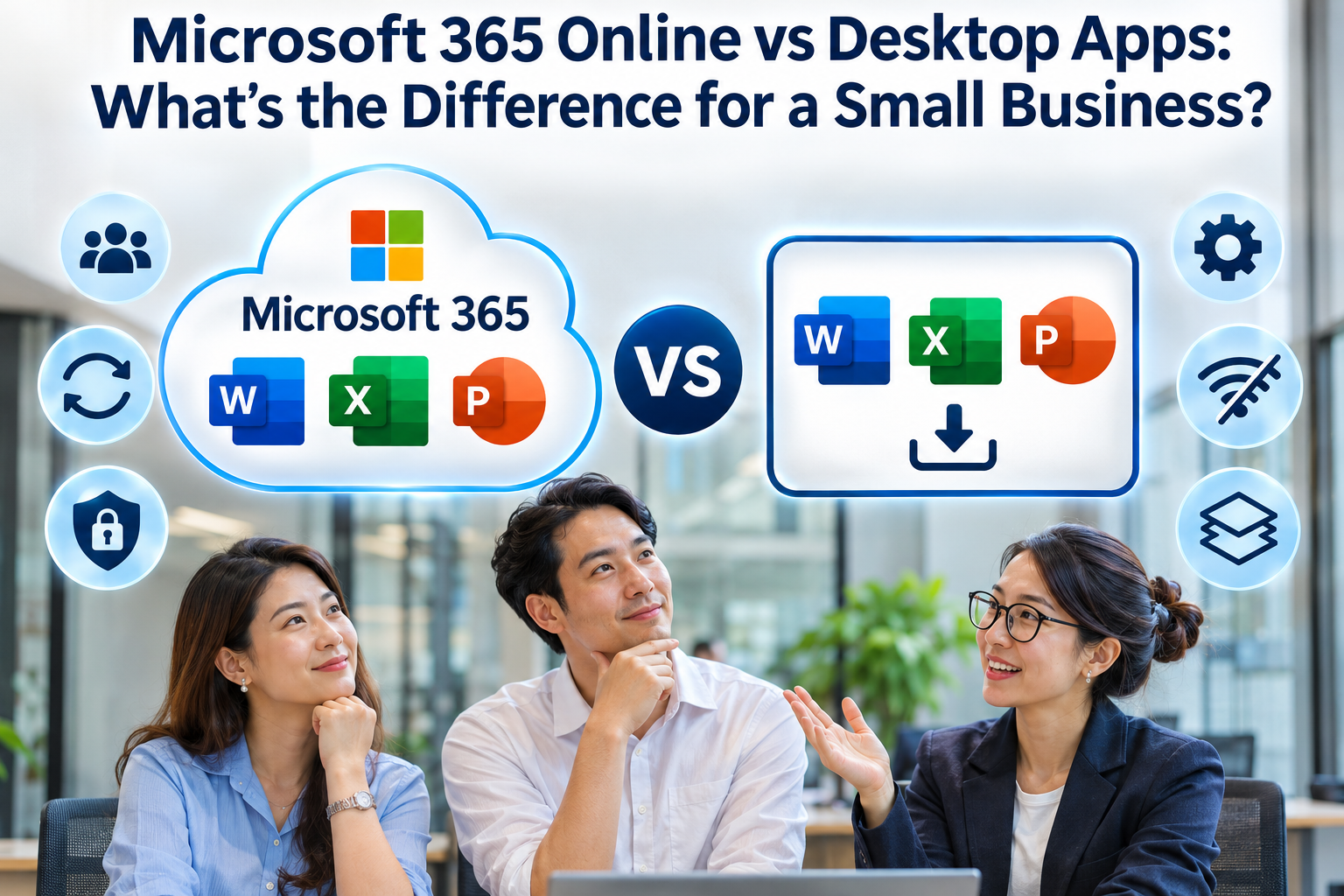

When people ask whether Microsoft 365 is online or desktop software, they are usually asking how they will use Word, Excel and PowerPoint. Microsoft 365 can include browser-based apps, installed desktop apps, or both, depending on the plan. The online versions open in a web browser, while desktop apps are installed on a computer.
For many small businesses, online access is a real advantage. Staff can open work from different locations and supported devices without needing the desktop program installed on every computer. It is easier to collaborate on a shared document, and a new employee can get started without the business setting up a complex local file system. Reliable internet access is needed for most browser-based work.
Why small businesses may prefer Microsoft 365 online
The biggest benefit is flexibility. An employee can review a quotation from home, update a shared spreadsheet at the office or open a presentation while visiting a client. If the document is stored in OneDrive or SharePoint, colleagues can work from the same shared file instead of emailing different copies back and forth.
Online files can also be easier to manage as a team. Owners can review who has access to a file or folder and choose whether someone can view or edit it. For example, a supplier may need to view a document, while an accountant may need permission to edit it. Access can be changed when a project ends or a staff member’s responsibilities change. Microsoft explains how to manage OneDrive and SharePoint sharing permissions.
There is a useful security benefit too. When business files are stored in OneDrive or SharePoint, Microsoft says they are protected with encryption while being transferred and while stored. Microsoft also manages the underlying cloud infrastructure. This can reduce the business’s reliance on keeping the only copy of a document on one employee’s computer. Microsoft describes its data protections for OneDrive and SharePoint.
That does not mean online files are automatically secure. The business still manages its accounts, sign-in protections and sharing choices. Use individual work accounts, turn on multi-factor authentication where available, and check that files are shared only with the intended people. Microsoft describes cloud security as a shared responsibility between the provider and the customer. Microsoft explains the shared responsibility model.
When a file is saved in OneDrive or SharePoint, Microsoft 365 apps can save changes automatically, subject to the app, account and file settings. That can reduce the chance of staff forgetting to save the latest edit. Microsoft explains when AutoSave works.
The honest trade-off is that browser apps do not have every feature found in the desktop versions, and working online depends on an internet connection. For straightforward documents, the difference may not matter. If staff rely on advanced tools or precise layouts, they may prefer the desktop app. Microsoft provides a feature comparison for Word on the web and Word desktop.
What does the desktop version mean?
Desktop apps are installed on a computer. They are familiar to many people who have used Word or Excel for years, and they offer a fuller set of features for more demanding work. For example, an accountant working with a detailed workbook or a business preparing a document with precise page layouts may prefer the desktop app.
Installed apps can also be useful when someone needs to work offline, as long as the app is installed, activated and the file is available on the device. When the file is saved in OneDrive or SharePoint, changes can sync when the computer reconnects. Working in the desktop app does not mean a file has to be stored only on that computer. Microsoft outlines the differences between browser and desktop editing.
The desktop option does require installation and updates, and staff still need to save files in a shared location if colleagues are expected to access them. A desktop app on its own does not automatically organise company files or make them available to the rest of the team.
What is included depends on your Microsoft 365 plan
This is where the phrase “online versus desktop” can be confusing. Microsoft 365 is a collection of apps and services, not just one program. Some business plans provide web and mobile versions of apps such as Word, Excel and PowerPoint, while other plans also include the desktop versions. For example, Microsoft describes Business Basic as offering web and mobile apps, and Business Standard as including desktop, web and mobile apps. Plan details can change, so check Microsoft’s current Microsoft 365 business plans for Singapore before making a decision.
It is also possible for a team to use both formats. Someone can make a quick edit in the browser, while another employee opens the same cloud-stored file in a desktop app for more detailed work. This can be a practical arrangement if the chosen plan includes the apps and the team has a clear place to save shared files.
Which option is more suitable for a small business?
If staff mainly write letters, review documents, make simple spreadsheets and collaborate on shared files, online apps may be enough. They can reduce the need to install and manage desktop software on each device. However, staff should be comfortable working through a browser and have reliable internet access for their usual tasks.
If the business uses large or complex Excel workbooks, detailed Word layouts, or needs to work offline regularly, desktop apps are likely to be more comfortable. The same is true when staff already depend on specific desktop features. It is sensible to test those real files in the web apps before deciding that a web-only plan will meet the team’s needs.
My honest view is that an online-first setup is a good fit for many small businesses, especially when staff need to work from different places and share documents. It can make collaboration and access management simpler, and Microsoft provides protections for files stored in its cloud services. But online access is not a replacement for good account security, sensible file permissions, device updates or a reliable internet connection.
It does not have to be an either-or decision. If the plan includes both versions, staff can use the browser for everyday shared work and switch to desktop apps for tasks that need more features or offline access. If the team mostly uses basic functions, paying for desktop apps it rarely opens may not be worthwhile. The right choice depends on the actual work, not on which option sounds more modern.
Before choosing, list the apps your team uses most, check whether anyone depends on advanced features, and decide where shared files should live. Then compare those needs with the current plan details. If you would like help reviewing Microsoft 365 options for your business, 361 Degree Consultancy can help you understand the differences and choose a setup that fits your team. Call 6515 7906 or email enquiry@361dc.com to discuss your requirements.
Frequently Asked Questions
They support many of the same everyday tasks, but the desktop versions have additional features. The exact differences depend on the app and the work being done.
Microsoft says OneDrive and SharePoint files are encrypted while stored and transferred. The business still needs to protect work accounts, use appropriate sign-in security and share files with the right people.
You can usually work in installed apps offline if they are set up and activated, and the files you need are available on the device. Files saved to OneDrive or SharePoint can sync changes when you reconnect. Check the requirements for your plan and apps.
No. Some plans include web and mobile apps but not the full desktop apps. Check the current plan comparison for the specific apps and services included.
Yes. Desktop apps can open and edit files saved in OneDrive or SharePoint, depending on the account and setup. Saving to a shared cloud location can make collaboration and file access easier.
It depends on the spreadsheets and features your accountant uses. Basic sheets may work well in a browser, but complex workbooks should be tested in the web app before the business relies on a plan without desktop apps.