
An approval workflow is a set of rules that decides who must review and approve a business request before the next action can happen. In an ERP system, the request, supporting information, decision and following transaction can stay in one place. Staff do not need to search through email or chat messages to confirm whether approval was given.
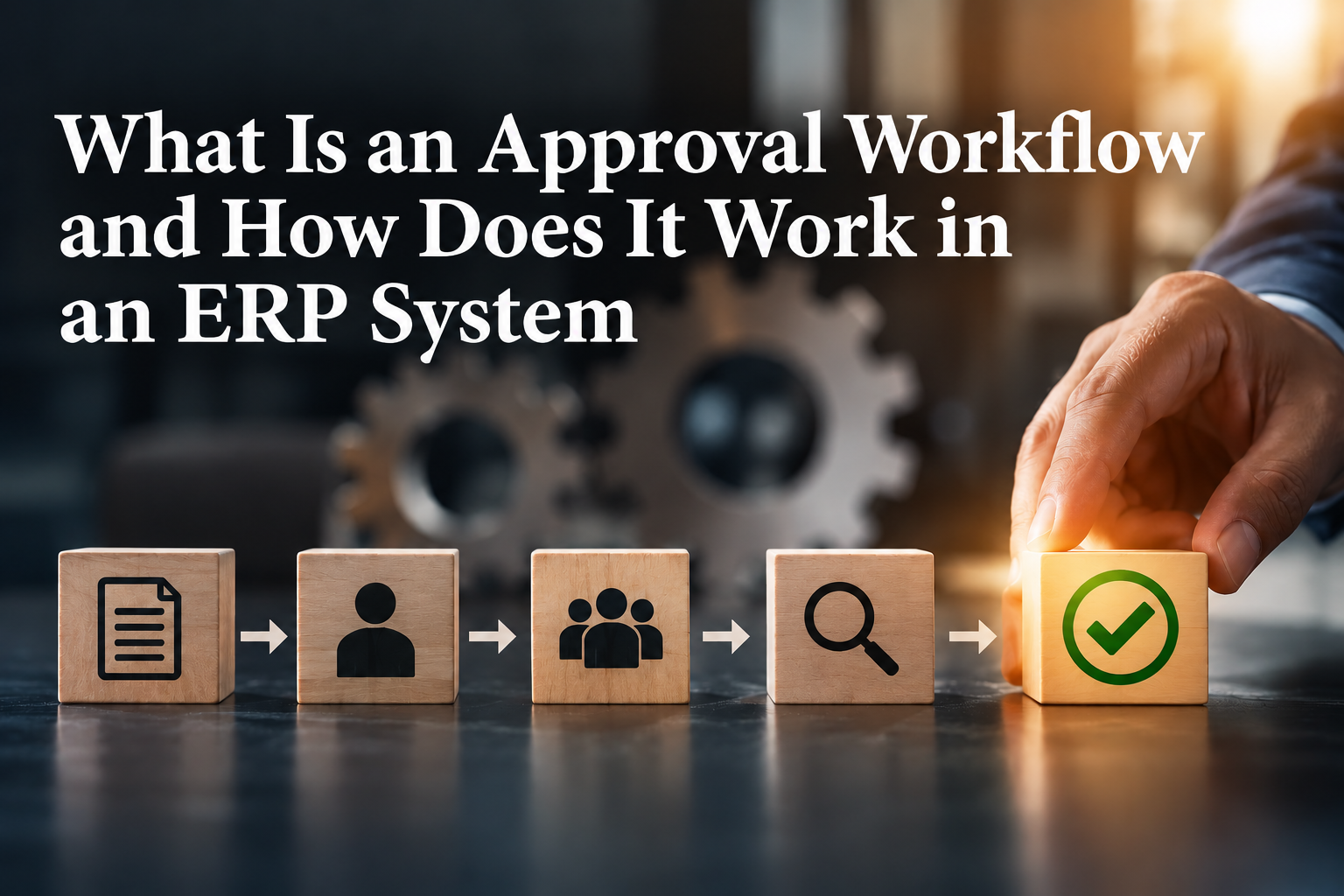
A typical example is a purchase request. An employee enters the supplier, items, amount and reason for the purchase. The ERP system checks the company rules, sends the request to the correct approver and records the decision. Once approved, the request can move to the purchase order stage. If it is rejected, the employee can see the reason and make the necessary changes.
What an approval workflow means
A workflow describes the route that a task follows from one person or stage to another. The approval part introduces a decision before the process continues. The decision may be approve, reject, return for more information or delegate to another authorised person.
The workflow can be simple. A small expense may need one manager’s approval. A larger purchase may first go to the department head and then to the finance manager. The route can depend on the value, department, type of request, project or other information already stored in the ERP system.
How an approval workflow works in an ERP system
The process normally begins when a user creates and submits a record. The ERP system reads the approval rules and identifies the correct person. That approver receives a notification and opens the same record to review the amount, supplier, supporting documents and comments.
While approval is pending, the ERP system may prevent the record from moving forward. Microsoft Dynamics 365 Business Central, for example, can change a purchase invoice from Open to Pending Approval and keep it locked for processing until the required approvals are completed. Once approval is given, the status changes and the authorised employee can continue with the transaction.
The exact steps differ between ERP products and company settings. The useful principle is that the rule is applied consistently. Staff can see the current status, and the business has a record of who made the decision and when it was made.
Where businesses use approval workflows
Purchasing is one of the most common uses. A company may require approval before a purchase order is confirmed and sent to a supplier. The ERP can direct smaller requests to a department manager and larger requests to a director or finance head.
Approval workflows can also support supplier invoices, staff expenses, payment requests, sales discounts, quotations and changes to important master records. The aim is not to add approval to every action. It is to place a clear decision at the points where the company wants control or confirmation.
Why approval workflows are important
Without a defined process, employees may not know who should approve a request or what information the approver needs. A decision may be given in a message, but the accountant later has difficulty matching that message to the invoice or payment. An ERP approval workflow keeps the request and decision together.
It can also make responsibilities clearer. The requester prepares the information, the approver makes the business decision, and the finance or operations team completes the authorised transaction. This helps managers review requests without taking over the work of preparing them.
The recorded history is useful during internal reviews and when questions arise later. Instead of depending on memory, the team can check the request, comments, supporting documents, decision and status in the system.
When a business may need one
An approval workflow becomes useful when the business has more employees, higher transaction values or several departments. It may also help when requests are regularly delayed because staff are unsure who must approve them, or when finance spends time collecting proof of approval before processing invoices and payments.
A small company does not need a complicated chain of approvers. One clear approval step may be enough. The workflow should reflect how the company actually makes decisions. Adding unnecessary stages can slow down work and encourage employees to look for ways around the system.
How Odoo can support approval workflows
Odoo provides a practical example of approval workflows within an ERP environment. Its Approvals application can manage internal requests, assign approvers and attach supporting documents. Odoo also supports approval processes in areas such as expenses and purchasing. For example, expense reports can be reviewed by users with the required access rights, while purchase orders can require approval before confirmation.
Odoo Studio can add approval rules to selected actions and can support more than one approval step. The actual setup depends on the Odoo version, applications and business requirements. The company should define the process first, then configure the system around that process.
Start with one useful process
Begin with one process that regularly causes confusion or follow-up work, such as purchase orders or staff expenses. Agree on the information required, the person who approves and what should happen after the decision. A simple workflow that employees understand is more useful than a complicated design that looks impressive but is difficult to follow.
Need help reviewing your ERP process or approval requirements? Contact 361 Degree Consultancy at 6515 7906 or enquiry@361dc.com for a practical discussion about your current workflow.
Frequently asked questions
No. Approval should be used where a decision or control is genuinely required. Routine and low-value transactions can follow simpler rules if that suits the company's policy.
Yes. Many ERP systems can route a request according to its value. A department manager may approve a smaller amount, while a higher amount goes to senior management or finance.
The workflow should include a delegation or substitute arrangement. This allows an authorised person to handle the request without sharing accounts or leaving it unattended.
This depends on the ERP setup, but many systems allow comments, rejection reasons or a return to draft. The requester can then correct the record and submit it again.
No. The workflow controls how a request moves through approval. The audit trail records activities and changes. They work well together because the business can see both the decision and the related history.
Often, yes. Some ERP systems include ready-made approval functions, while others need configuration or an additional module. Review the current process and software capability before deciding whether custom work is necessary.