
It is the 20th of the month and last month’s numbers are still not final. The bank account is half reconciled, a few supplier bills are sitting in someone’s inbox, and nobody is sure the profit figure can be trusted. Does this sound familiar?
A disciplined month-end close turns your accounting records into reliable management information. It is a short, repeatable routine: you collect the documents, reconcile, post adjustments, review the reports and lock the period. Most SMEs should aim to finish within 5 to 10 working days after month-end, and the time usually shrinks as the routine settles.
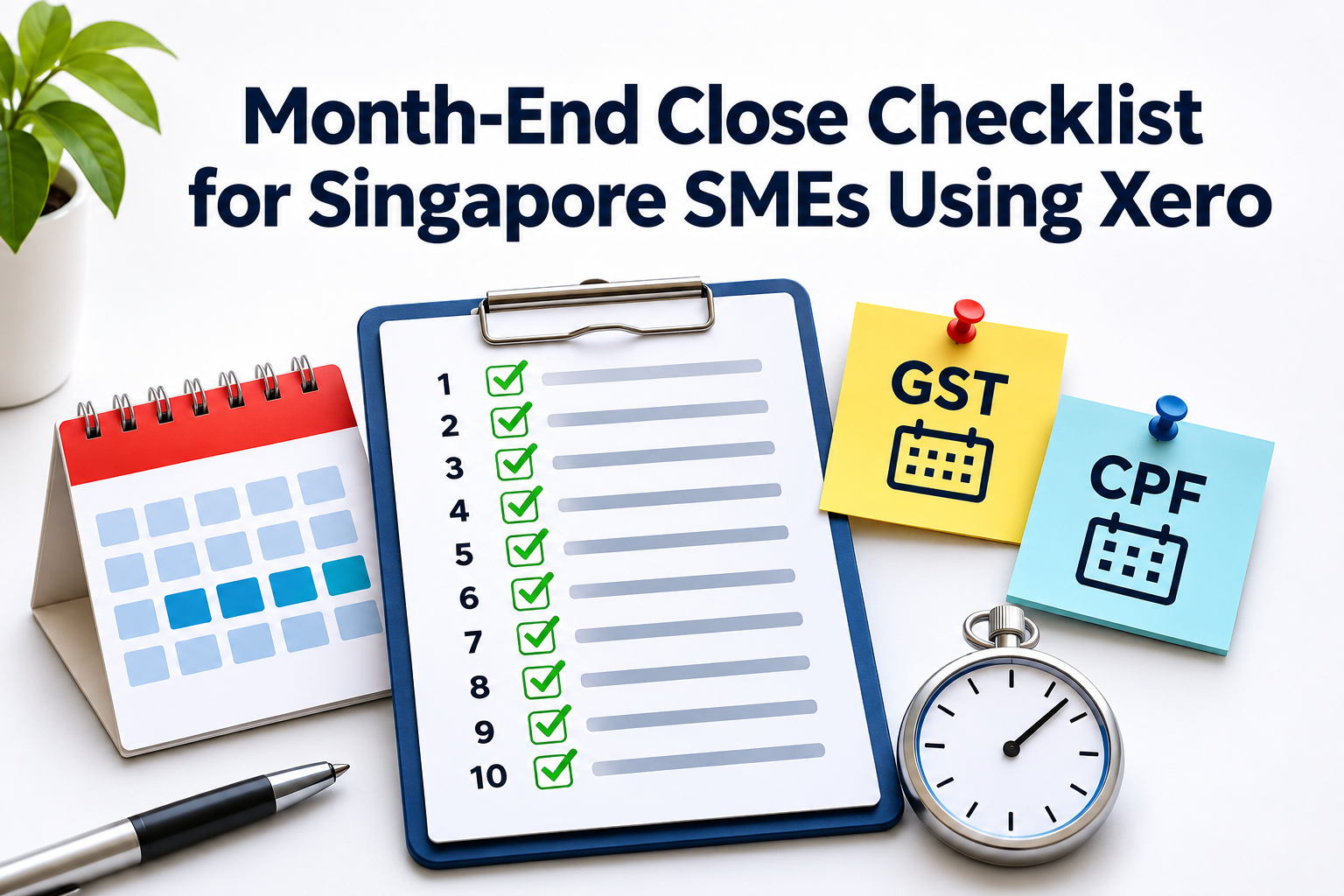
This guide gives you a preparation list, a timetable, a 10-step checklist and the Singapore deadlines worth keeping in mind, using Xero as the example.
What Is a Month-End Close and Why Does It Matter?
A month-end close confirms that all transactions for the period have been recorded, reconciled, reviewed and approved. At the end of it, you have reliable profit and loss, balance sheet, cash flow, debtor and creditor figures.
- Better decisions. You cannot manage cash, pricing or hiring with figures that are two months old.
- GST readiness. GST-registered businesses must keep proper business and accounting records for at least 5 years, under the GST Act. A monthly review finds missing tax invoices, unsupported claims and coding errors before they become compliance issues.
Note: ACRA also requires companies to keep accounting records for at least 5 years from the end of the financial year. - Payroll compliance. CPF Board states that contributions are due by the last day of the month, with enforcement actions kicking in if payment is not made by the 14th of the following month. Late payment interest accrues at 1.5% per month (18% per annum), starting from the first day of the following month after contributions are due. The minimum interest payable is $5 per month.
- Fewer surprises later. Tax season, audit and year-end are lighter when twelve months of small errors do not surface at once.
- Readiness for lenders and investors. Recent, reviewed management accounts save a scramble.
Before You Start: Preparation
In the first days of the new month, complete these steps:
- Confirm the closing date, for example 31 October.
- Collect bank and credit card statements for every business account.
- Make sure staff have submitted expense claims, receipts and supporting documents.
- Ask sales, operations and procurement to confirm all invoices, bills and stock movements are submitted.
- Check that recurring items such as rent, subscriptions, payroll and loan repayments have been processed.
- Review unresolved items from last month.
Keep a “close issues log”. A short list with the issue, the owner, the action needed and a target date. It stops the same problems from coming back every month.
Suggested Month-End Timetable
Adjust this to your size and volume. A small business with few accounts may finish in 5 days. One with stock, many bank accounts or several people involved may need closer to 10.
| Timing | Key activity | Who |
|---|---|---|
| Daily or weekly | Reconcile bank feeds, chase receipts, approve bills, review unpaid invoices. | Bookkeeper |
| Days 1 to 3 | Complete sales, purchases, payroll and expense claims. | Bookkeeper, HR |
| Days 3 to 5 | Complete bank, credit card, receivables, payables and inventory reconciliations. | Bookkeeper |
| Days 5 to 7 | Post accruals, prepayments, depreciation and other adjustments. Review GST codes. | Bookkeeper or accountant |
| Days 7 to 8 | Review reports, investigate variances, prepare management accounts. | Finance lead |
| Days 8 to 10 | Obtain approval, lock the period, distribute reports. | Owner or finance lead |
The daily or weekly row matters most. If you reconcile regularly, month-end only needs a final check.
The Month-End Close Checklist in Detail
1. Complete sales and receivables
- Issue invoices for all work completed, goods delivered or services rendered.
- Record credit notes, discounts and customer refunds.
- Match customer receipts and payment gateway settlements to invoices.
- Review the Aged Receivables Summary and follow up significant overdue balances.
- Review customer deposits, deferred revenue and unbilled work, and confirm revenue sits in the right month, especially for projects that span month-end.
- If you sell through POS, e-commerce platforms or marketplaces, check the sales have been imported into Xero and reconciled.
2. Complete purchases and payables
- Enter all supplier bills dated within the month, and clear bills stuck in draft or awaiting approval.
- Check for duplicate supplier invoices.
- Match bills to purchase orders and goods-received notes where you use them.
- Record supplier credit notes and apply them to the correct bills.
- Review the Aged Payables Summary and agree major supplier statements to your records.
- Accrue bills received after month-end that relate to the closed month, if material.
3. Reconcile bank, credit card and payment accounts
Bank reconciliation is one of the most important controls in the close. In Xero, reconcile every bank account, every credit card, every payment gateway accounts such as PayPal or Stripe, petty cash, and any loan or hire-purchase accounts. For each one, confirm the Xero balance agrees with the statement, investigate old unmatched items, check for duplicates, record bank charges, interest and foreign exchange differences, and clear suspense or clearing accounts where you can.
Do not leave reconciling items unexplained. If one cannot be resolved straight away, record why it exists and who is following up.
Tip: Use the ‘Discuss’ tab on the bank reconciliation screen in Xero.
4. Review payroll and employee costs
Review payroll even when an outside provider processes it.
- Confirm payroll journals have been posted to Xero.
- Check salary, CPF, SDL and other statutory contributions are recorded correctly.
- Reconcile payroll bank payments to the payroll report.
- Check director fees, bonuses and commissions are in the correct period, and accrue annual leave, bonuses or commissions where required.
- Review staff reimbursements and make sure receipts are attached.
- Confirm CPF is paid or scheduled. Treat the 14th of the following month as the outer limit, not the target.
5. Review inventory and cost of sales
If you hold stock, this is where month-end errors tend to pile up.
- Complete or review stock counts for key locations and investigate significant variances.
- Confirm bills for goods received are recorded and accrue goods received but not yet invoiced.
- Review obsolete, damaged or slow-moving stock.
- Check that cost of goods sold looks reasonable against sales and expected gross margin.
- Reconcile inventory balances in Xero, or your inventory add-on, to the stock count.
- For retail, F&B and e-commerce, reconcile POS and online store settlement reports to bank receipts and sales records.
6. Record accruals and prepayments
Accrual accounting puts income and expenses in the period they belong to, not just when cash moves. Review utilities, rent, insurance, subscriptions and professional fees incurred but not yet invoiced, prepaid insurance, software, rent or maintenance, unbilled or deferred revenue, and loan interest. Keep supporting documents for every material journal, such as a contract, supplier confirmation or calculation schedule. Reverse accruals, or review them, in the following period.
7. Review fixed assets and depreciation
- Add new fixed assets bought during the month and remove or write off disposals.
- Check that asset purchases have not been wrongly expensed.
- Post monthly depreciation.
- Compare the fixed asset register with the balance sheet.
- Check hire-purchase agreements and lease liabilities.
This matters most for businesses with vehicles, machinery, IT equipment or office fit-outs, especially when different staff make the purchases.
Tip: Use Xero’s fixed asset module.
8. Check GST and tax codes
If you are GST-registered, review GST every month, not just at filing time.
- Check sales invoices use the right GST code, including zero-rated supplies with export documents on file.
- Review purchase bills and expense claims for valid input tax claims, and watch for expenses blocked from input tax claims, eg. Private motor car expenses.
- Review credit notes and adjustments.
- Reconcile the GST report to your sales, purchases and bank records.
- Flag unsupported or doubtful claims before filing.
GST returns are generally filed quarterly, and the return and payment are due one month after the end of the accounting period. For a quarter ending 31 December, that is 31 January. IRAS generally does not grant extensions and a $200 late submission penalty applies. A clean monthly review makes the quarter-end return much quicker.
9. Review the trial balance and reports
Run and review the Profit and Loss, Balance Sheet, Trial Balance, Cash Flow Statement, Aged Receivables and Payables, Inventory Item List (if you hold stock), GST F5 Return (if GST-registered) and budget vs actual (if you use budgets). Then look for:
- Unusual expense movements and sudden changes in gross margin.
- Negative stock or negative account balances.
- Large unreconciled balances or suspense account balances.
- Revenue recorded without matching receivables or cash.
- Expenses with no supporting documents.
Explain the major variances against last month and the budget, and get the reports reviewed and approved before you distribute them.
10. Lock the period and document sign-off
Once the accounts are reviewed and approved, lock the period in Xero. This prevents accidental changes to a closed month. Before locking:
- Confirm all reconciliations are complete.
- Confirm adjusting journals have supporting documents.
- Get sign-off from the finance lead, business owner or authorised approver.
- Save the completed checklist and send management reports to the people who need them.
Tip: ‘Publish’ your finalised reports in Xero to save a copy. - Record any carry-forward items for the next close.
Xero has two lock dates: one that stops all users except advisers, and one that stops everyone. We recommend to lock staff first, which leaves the adviser free to post final adjustments. You need the Adviser role to set a lock date and an adviser can change it later if a genuine correction is needed. Locking works best alongside a clear record of who changed what, which our article on the audit trail in accounting software explains.
Who Does What?
| Role | Typical responsibilities |
|---|---|
| Owner or director | Reviews the reports, asks questions, approves the sign-off and large adjustments. |
| Bookkeeper or finance staff | Enters transactions, reconciles accounts, chases receivables, prepares adjustments, runs reports. |
| HR or payroll staff | Confirms payroll inputs, leave and claims, and CPF submissions. |
| Accountant or tax agent | Advises on adjustments and tax treatment, and prepares year-end accounts and tax filings. |
Common Month-End Mistakes to Avoid
- Leaving bank reconciliations until year-end.
- Recording supplier bills late, so costs land in the wrong month.
- Not accruing expenses that were incurred but not yet invoiced.
- Posting journals without supporting documents.
- Ignoring negative inventory balances.
- Leaving suspense accounts uncleared.
- Using incorrect GST codes.
- Locking all users out before all entries for the month are posted.
- Allowing staff to change closed-period transactions.
- Producing reports without reviewing unusual variances.
How 361DC Can Help
361DC helps Singapore SMEs implement, streamline and support cloud accounting systems such as Xero. We can help you design a practical month-end close workflow, configure Xero and connected apps, strengthen approval and reconciliation controls and train your finance team to close faster with fewer errors.
A repeatable month-end close is not just an accounting task. It is a management control that gives business owners confidence in their numbers.
Contact us at 6515 7906 or enquiry@361dc.com to arrange a session.
Frequently Asked Questions
Most SMEs aim for 5 to 10 working days. A small business with few accounts can finish in about 5. A business with stock, several bank accounts or multiple approvers may need closer to 10. Regular reconciliation through the month shortens the close.
It is still worth doing. Your quarterly GST return is only as accurate as the three months behind it, and errors found monthly are far easier and cheaper to fix than errors found at filing.
It is a date that stops changes to transactions dated on or before it. Xero has one lock date for all users except advisers and one for all users. You need the Adviser role to set them.
CPF Board states the due date is the last day of the month. Enforcement action applies if payment is not made by the 14th of the following month, or the next working day if that day is a weekend or public holiday. Late payment interest is charged at 1.5% per month
Ask an adviser to adjust the lock date, correct the entry, and set the lock date again. Record what changed and why.