
If your finance team spends the first week of every month exporting Xero reports into Excel, fixing formulas and pasting charts into a slide deck, you are not alone. It is one of the most common frustrations we hear from Singapore SMEs once they have a board, investors or a bank to report to.
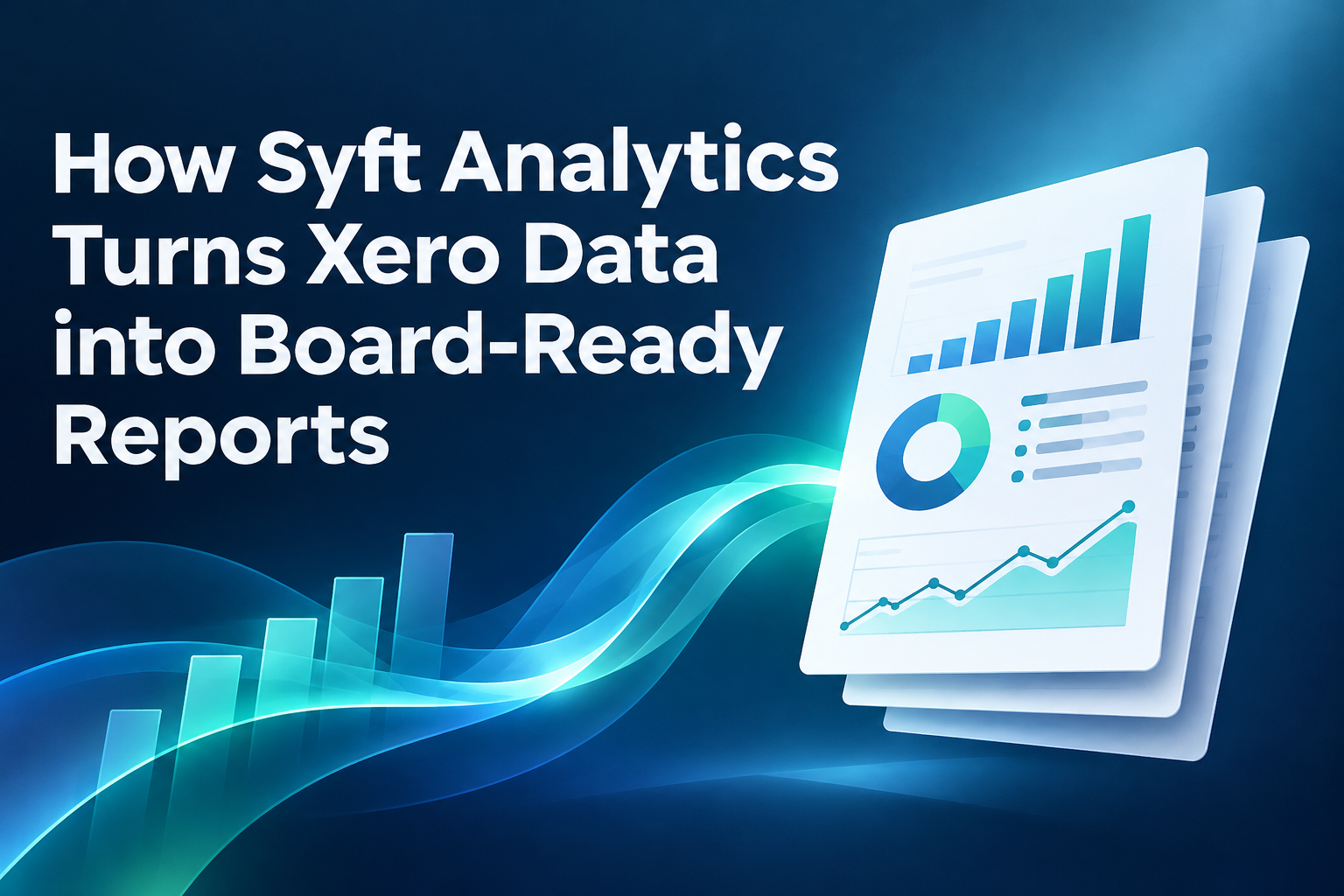
Syft Analytics solves this by connecting directly to Xero and turning your ledger data into consolidated, formatted and commented report packs. This guide explains how that works in practice, which features matter most for board reporting, how Syft compares with the analytics now built into Xero, and the mistakes to avoid when you set it up.
The Short Answer: What Syft Does With Your Xero Data
Syft Analytics is a cloud reporting platform, owned by Xero since 2024, that syncs with your Xero organisation and converts transaction data into board-ready reports. In one workflow it can:
- Pull your Xero data automatically, down to transaction level.
- Consolidate several Xero entities, including ones in different currencies.
- Calculate KPIs, ratios, budgets versus actuals and forecasts.
- Assemble financial statements, charts, scorecards and commentary into a single report pack.
- Deliver the pack as a PDF, Excel or Word file, a scheduled email, or a secure live link.
The result is a board pack that refreshes itself each month instead of being rebuilt from scratch.
Why Xero's Standard Reports Often Fall Short for Boards
Xero is excellent at bookkeeping, GST returns and day-to-day reporting. Its standard reports are built for accountants, though, not directors.
Boards usually want something different:
- Trends, not single periods. Directors want to see the last 12 months, year-on-year movement and budget variance on one page.
- A group view. Many Singapore SMEs run a holding company plus subsidiaries, sometimes in Malaysia, Indonesia or Hong Kong. Xero treats each as a separate organisation.
- Context. A number without an explanation creates questions in the boardroom. Boards expect commentary on what changed and why.
- Forward-looking figures. Cash runway and forecast scenarios matter as much as last month’s profit.
Getting all of this from Xero alone usually means exports, spreadsheet consolidation and manual formatting. That is where errors creep in and where finance teams lose days every month.
What Makes a Report "Board-Ready"?
Before looking at Syft itself, it helps to be clear on the target. The table below compares what a board typically expects with what you get from Xero’s standard reports and from Syft.
| Board expectation | Xero standard reports | Syft Analytics |
|---|---|---|
| One-page summary of key KPIs | Not available as a single view | KPI scorecards and dashboards |
| Group consolidation across entities | Separate organisations, manual workaround | Built-in consolidation, including multi-currency |
| Budget vs actual with variance | Basic budget report | Variance analysis with conditional formatting |
| Cash flow forecast and scenarios | Limited (depends on plan) | Forecasting with scenario modelling |
| Written commentary | Not supported | Manual and AI-drafted commentary sections |
| Consistent, branded layout | Fixed layout | Custom templates, fonts and colours |
| Secure sharing with directors | Export and email | Password-protected live links and scheduled delivery |
How Syft Turns Xero Data into a Board Pack: Step by Step
Here is the workflow we follow when setting up board reporting for clients. Most of the effort is in the first month. After that, the pack largely maintains itself.
Step 1: Connect Xero and Sync Your Data
Syft connects to Xero through a direct integration and pulls data at transaction level, so directors can drill from a summary figure down to the underlying invoices. Changes made in Syft do not write back to Xero, which keeps your ledger clean and your auditors comfortable.
If you run other systems, Syft also connects to sources such as Shopify, Stripe and Square, and can import operational data from Excel or Google Sheets.
Step 2: Map Accounts and Define Your KPIs
Your chart of accounts is designed for bookkeeping and tax, not for board discussion. In Syft you group accounts into categories that make sense to directors, such as “Revenue by product line” or “People costs”.
This is also where you agree which KPIs the board will see every month. Good examples for SMEs include gross margin, operating expense ratio, debtor days, cash runway and revenue per employee.
Step 3: Consolidate Group Entities
For groups, Syft combines multiple Xero files into one reporting structure. It handles multi-currency consolidation, so a Singapore parent reporting in SGD can include a Malaysian subsidiary that keeps its books in MYR. Intercompany eliminations can be set up so the group figures are not overstated.
Syft can also treat Xero tracking categories as separate reporting entities. That is useful if you track branches, outlets or projects within a single Xero organisation.
Step 4: Build a Reusable Report Pack Template
A Syft report pack can combine dashboards, charts, financial statements, KPI scorecards, cash outputs and uploaded documents. Typical sections for a board pack are:
- Executive summary and KPI scorecard
- Profit and loss with budget variance
- Balance sheet and working capital
- Cash flow and cash forecast
- Entity or segment breakdown
- Appendix with supporting schedules
Build it once as a template, and it rolls forward each month with fresh Xero data.
Step 5: Add Commentary the Board Will Actually Read
Syft lets you add commentary sections alongside each report. Its AI assistant can summarise what is on screen and suggest possible explanations for movements. Treat this as a first draft. The AI does not know that a large client paid late or that you deliberately front-loaded marketing spend, so a finance lead should always review and edit it.
Step 6: Share Through Live Links or Scheduled Delivery
Finished packs can be exported to PDF, Excel or Word, or scheduled for automatic email delivery. Syft’s live view goes further: it creates a password-protected browser link to the pack that directors can open without a Syft login. They can drill into figures and leave comments on specific sections, and you can set the link to roll forward to the latest month automatically.
Syft Features That Matter Most for Board Reporting
| Feature | Why it matters to the board |
|---|---|
| Report packs | One consistent document each month instead of loose spreadsheets |
| Multi-currency consolidation | A true group picture for regional SMEs |
| Transaction drill-down | Directors can answer their own "what is this number?" questions |
| Forecasting and scenarios | Shows the impact of decisions on profit, balance sheet and cash |
| Cash Manager | Short-term view of expected cash balances |
| AI-drafted commentary | Faster first draft of the narrative, reviewed by finance |
| Live view links | Secure, always-current access without extra logins |
| Scheduled reports | Packs arrive on the same day every month without manual work |
Syft Analytics vs Xero Analytics: Which Do You Need?
Since Xero acquired Syft in 2024, some Syft features have been built directly into Xero. Xero launched these embedded analytics globally in January 2026, while keeping Syft available as a separate, more advanced product.
In simple terms:
| Xero Analytics (built into Xero) | Syft Analytics (standalone) | |
|---|---|---|
| Best for | Owners wanting quick dashboards inside Xero | Formal board, investor and bank reporting |
| Dashboards and charts | Yes | Yes, with deeper customisation |
| Multi-entity consolidation | Limited | Yes, including multi-currency |
| Custom report packs | Limited | Yes |
| Full forecasting and scenarios | Limited | Yes |
| Cost | Included, depending on Xero plan | Separate subscription |
Feature availability in Xero depends on your plan and region, so check what is enabled on your Singapore Xero subscription. As a rule of thumb, if you have one entity and want quick insight, start with what Xero includes. If you report to a board, have more than one entity, or need forecasts, Syft is usually the better fit.
Example: A Singapore Group Reporting to Its Board
Consider a typical scenario we see: a Singapore distribution company with a holding company, a Singapore trading subsidiary and a Malaysian sales office. Each has its own Xero file. The board meets monthly and expects a pack within ten working days of month-end.
Before Syft, the finance manager exported three sets of reports, converted MYR figures to SGD in Excel, eliminated intercompany sales by hand, then rebuilt charts in PowerPoint. It took around four days, and version control was a constant worry.
After Syft, the three Xero files are consolidated automatically in SGD, intercompany transactions are eliminated by rule, and the board pack template refreshes once the month is closed in Xero. The finance manager spends her time reviewing variances and writing commentary, and directors receive a live link they can explore before the meeting.
The time saved varies by business, but the bigger gain is usually confidence: the board sees the same structure every month, and every number traces back to Xero.
Common Mistakes When Setting Up Board Reports in Syft
- Reporting on an unreconciled ledger. Syft reflects whatever is in Xero. If bank reconciliation and month-end accruals are not done, the board pack will be wrong, just faster.
- Copying the chart of accounts straight into the pack. Directors do not need 80 expense lines. Group them into a handful of meaningful categories.
- Too many KPIs. Five to eight well-chosen KPIs beat a page of 30 that nobody reads.
- Publishing AI commentary unedited. It is a useful draft, not a finished explanation.
- Skipping intercompany set-up. Without eliminations, group revenue and costs are overstated.
- No agreed close date. Live links and scheduled reports work best when the month is closed in Xero on a fixed day.
Is Syft Right for Your Business?
Syft is likely to be worth it if two or more of these apply to you:
- You report monthly or quarterly to a board, investors or a lender.
- You run more than one Xero organisation, or operate in more than one currency.
- Building management reports takes your team more than a day each month.
- Directors regularly ask for forecasts or “what if” scenarios.
- You want reports to look consistent and professional without design work each month.
Keep in mind that Syft produces management and board reports. It does not replace your statutory financial statements prepared under Singapore Financial Reporting Standards and filed with ACRA, which your accountant or auditor still handles.
Get Your Board Pack Running with 361DC
At 361DC, we implement Xero and Syft Analytics for Singapore SMEs, from tidying the chart of accounts to building consolidation rules, KPI scorecards and board pack templates. The aim is simple: a reliable board pack that is ready days after month-end, not weeks.
If you would like to see how your own Xero data would look in Syft, speak to our team. Call us at 6515 7906 or email enquiry@361dc.com to arrange a walkthrough.
Frequently Asked Questions
Syft Analytics is a cloud-based financial reporting and analytics platform that connects to accounting software such as Xero. It produces dashboards, consolidated reports, forecasts and report packs. Xero acquired Syft in 2024 and continues to offer it as a standalone product.
Yes. Syft connects to Xero organisations regardless of country, and supports multi-currency consolidation for groups reporting in SGD with overseas subsidiaries.
Yes. Syft can combine several Xero files into one group view, convert foreign currencies and apply intercompany eliminations. It can also treat Xero tracking categories as separate entities.
Xero's built-in analytics, powered by Syft technology, covers dashboards and core insights depending on your plan. Standalone Syft adds deeper features such as full consolidation, advanced forecasting and custom report packs suited to formal board reporting.
Yes. Syft's live view creates a password-protected link that directors can open in a browser without logging in. They can drill into figures and comment on sections.
No. Syft reads data from Xero, but changes you make in Syft do not write back to your Xero ledger.
It depends on the number of entities and how clean the Xero data is. A single-entity pack can be ready quickly, while multi-entity groups need more time for account mapping and consolidation rules. Most of the effort happens in the first reporting cycle.