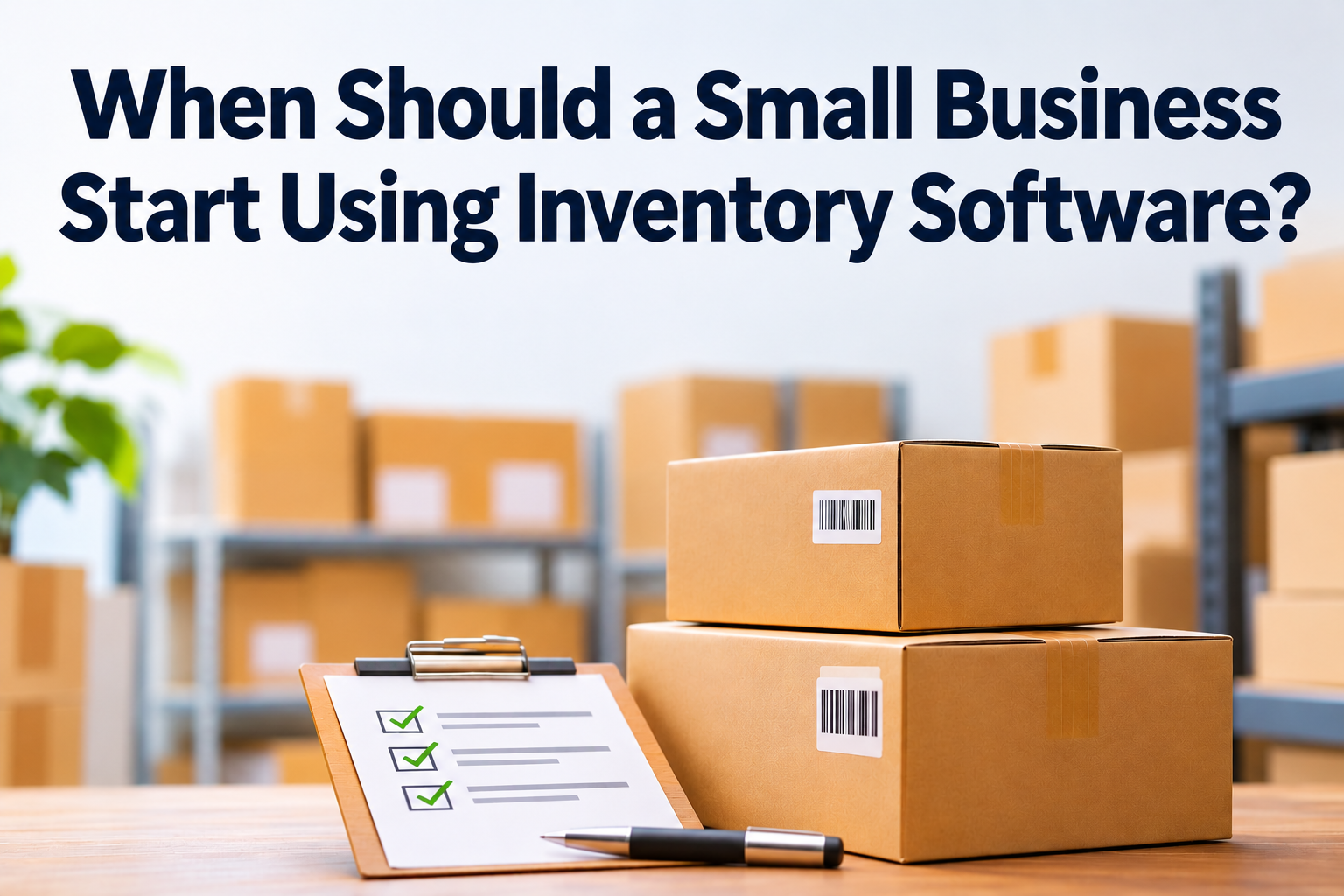

If you sell products or keep supplies for your work, you need to know what is available, what has been sold and what needs to be reordered. A spreadsheet may handle this well when the range is small and one person keeps it updated. Inventory software becomes worth considering when stock information is spread across several files, locations or people, and it is getting harder to tell which numbers are current.
There is no fixed sales volume or business size at which every company needs a system. The right time is when the effort of keeping track manually starts to get in the way of serving customers, planning purchases or understanding the value of the stock you hold.
What does inventory software do?
Inventory software records products and stock movements in one place. Depending on the system, it can show what is on hand, what is already reserved for an order, what is due to arrive from a supplier and what has been sent out. Some systems can also connect stock records to sales, purchasing and accounting.
For example, when a staff member records that an order has been delivered, the system can update the quantity available for the next customer. When a purchase arrives, the received quantity can be recorded against the supplier order. The exact steps depend on the software and how the business sets it up.
Inventory management can cover more than counting products. Enterprise Singapore’s description of inventory management for wholesalers includes receiving, putting products away, picking and packing orders, stocktaking and tracking product movement. A small business may not need all of these functions, but it helps to know what is available as operations grow. Enterprise Singapore explains the scope of inventory management.
Signs that your spreadsheet is becoming difficult to manage
One sign is that several people update the stock list, but no one is sure which version to trust. Another is that you regularly find a difference between what the records say and what is on the shelf. These gaps can happen when sales, returns, damaged items or new deliveries are not recorded promptly.
It may also be time to review your process if staff need to check multiple places before confirming an order. A sales channel might show an item as available while a colleague has already reserved it for a customer. Or a team member may need to call the storeroom just to confirm whether a product has arrived.
Other clues include reordering too late, buying more than you can use or sell, and spending a long time preparing for stocktakes. If the product range has grown, you sell through more than one channel, or store goods at different locations, keeping the records aligned by hand can become harder. These are not signs that the business has done something wrong. They simply suggest the process may have outgrown the tools it started with.
What can a suitable system improve?
The most immediate benefit is having one place to check stock. Staff can see the quantity recorded as available and update it as goods move in or out. This makes it easier to answer customer questions and gives the person placing supplier orders a clearer view of what may need replenishing.
A system can also give the business more useful information about its products. Depending on the features, reports may show which items sell quickly, which have been sitting for a while and how stock is moving. This can support better purchasing decisions, although the information is only as reliable as the product records and updates entered by the team.
Some inventory systems connect with accounting or sales software. For instance, Odoo’s documentation describes inventory functions for tracking stock, replenishment and product movements, alongside connections with sales and purchasing processes. An integration can reduce duplicate entry, but it is worth confirming exactly which records sync and how the workflow will operate before choosing a system.
Choose for the way your business works now
It is tempting to compare systems by counting features, but a long list is not automatically a better fit. Start by describing the process you need help with. Do you mainly want to record stock quantities, or do you also need to manage supplier orders, multiple locations, product variants, deliveries or returns? The answer helps narrow down whether a basic stock-tracking tool or a broader inventory system makes sense.
Check that the software can handle the details that matter to your business, such as units of measure, product codes and different versions of the same item. If you already use accounting, point-of-sale or online sales software, ask whether the systems can connect and what information will pass between them. Also consider who will maintain product records and train staff to record stock movements consistently.
A practical way to evaluate a system is to test it with a small group of real products. Record an incoming delivery, make a sale, process a return and compare the result with the physical stock. This helps the team see whether the software matches its everyday process before more products and staff are added.
The best time is when it solves a real problem
A small business does not need inventory software just because it has stock. If a simple spreadsheet is accurate, easy to maintain and gives the team the information it needs, there may be no reason to change yet. But when stock checks, reordering or coordination between staff take more time than they should, a suitable system can make the work clearer and more consistent.
Start with the issue you want to fix, then choose the lightest solution that handles it well. If your business is reviewing inventory or accounting software, 361 Degree Consultancy can help you compare practical options and understand how they may fit your processes. Call 6515 7906 or email enquiry@361dc.com to discuss your requirements.
Frequently Asked Questions
It can be, especially if stock records are becoming difficult to keep accurate. A very small business with only a few products and one person updating the records may find a spreadsheet is still sufficient.
No. The system records the stock movements entered by the team, while a physical count helps check that the records match what is actually on hand. How often to count depends on the products and the business process.
Some systems have built-in connections, while others use a separate integration. Confirm what information is shared, such as product details, sales or stock values, and whether the connection suits your accounting process.
Many inventory systems support multiple storage locations, but the available features vary. Check that the system can show where items are stored and how transfers between locations are recorded.
Begin by reviewing and cleaning your product list, then test the software with a manageable set of items. Agree who updates receipts, sales, returns and adjustments before moving the full stock records across.