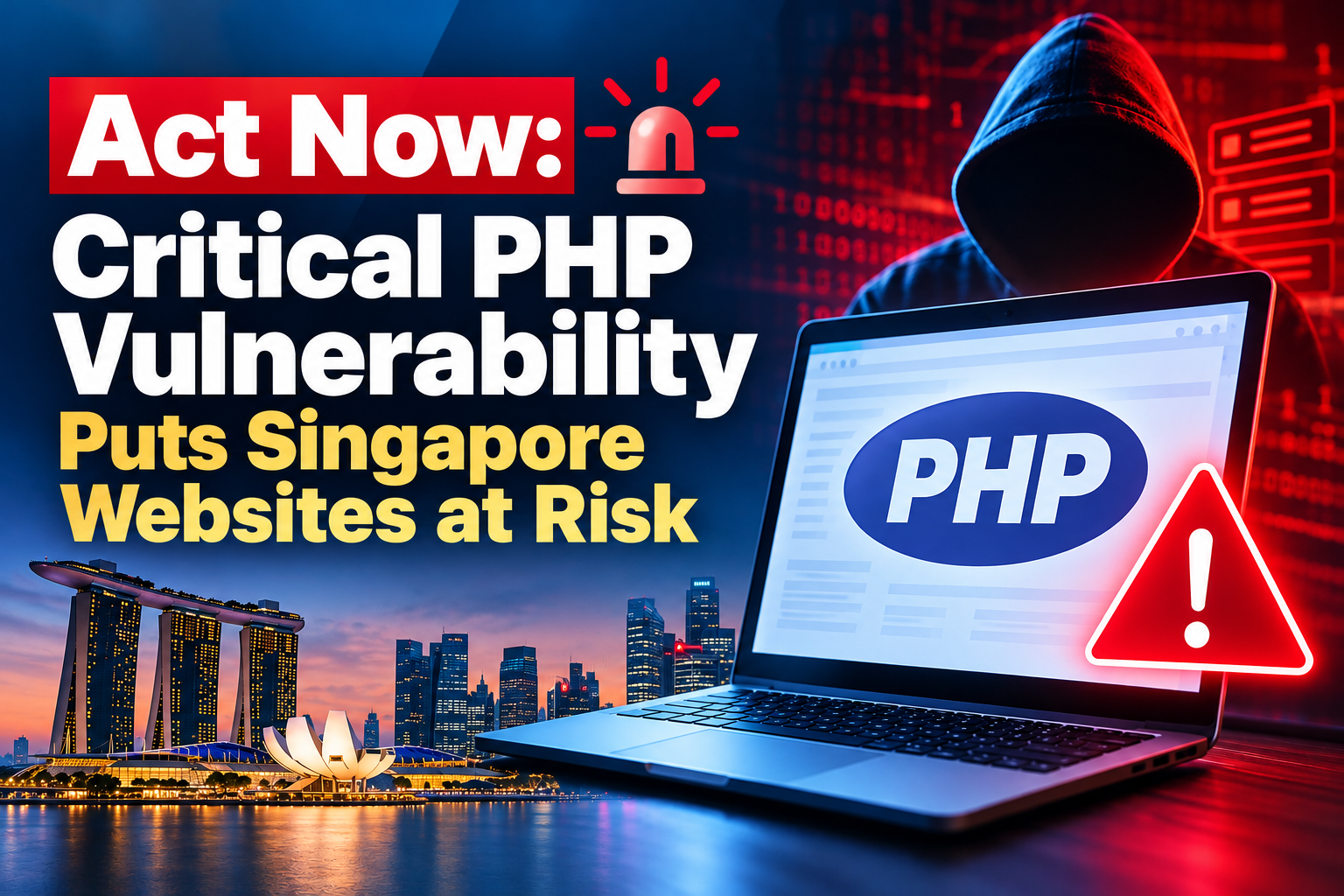

The Cyber Security Agency of Singapore (CSA) has issued an alert (AL-2026-151) today, 22 October 2026, about two serious security flaws in PHP, a technology that runs behind many websites and online services. CSA calls them critical and says to patch immediately.
The short answer: if your business has a website, online store, customer portal or any web-based system, ask whoever looks after it (your IT team, web vendor or hosting provider) to confirm it has been updated. You do not need to be technical to do that. A separate section near the end covers the technical details for your IT team.
What is PHP, and why should you care?
PHP is a programming language. Websites and web systems use it to show your products, process an enquiry form or log customers in. You never see it, but it works in the background every time someone uses the site.
It is very common. WordPress, Joomla and Drupal all run on PHP, as do many custom-built portals, booking systems and online stores, plus some off-the-shelf business tools.
What happened?
On 21 October 2026, the PHP project released updates to fix two serious flaws. Both let an attacker take control of a server over the internet, without needing a username or password.
Think of it as a back door that was left unlocked in a building. Anyone who finds it can walk in and do what they like. The update is the lock. Until it is fitted, the door stays open.
This is urgent because CSA reports widespread attempts to exploit the flaws, and several ready-made attack tools already exist. The details also leaked online shortly before the fix was released.
Does this affect my business?
Quite possibly. CSA says the flaws affect all versions of PHP. If your business has a website or any web-based system, treat it as affected until someone confirms it has been updated.
CSA also asks organisations to check for PHP they may not know about, including PHP used by third-party tools, even if the main website does not use PHP. A booking platform or HR portal could be using it.
WordPress users: updating WordPress or its plugins does not fix this. The update must be made on the server itself, by your host or IT provider.
What could go wrong?
If an attacker gets in, they can act as if they were running your server. For a small business, that could mean:
- Your website being defaced, or quietly sending visitors to scam pages
- Customer details being copied, including from enquiry and order forms
- Passwords and access keys stored on the server being exposed
- Downtime, and the time and cost of cleaning up afterwards
If personal data is involved, a breach can also bring obligations under the PDPA.
What should you do now?
- List what you have. Website, online store, customer portal, booking system, intranet, and any third-party tools. Note who built each one and who hosts it.
- Contact your IT team, web vendor or hosting provider today. You can copy this question: “Are our systems affected by the PHP vulnerabilities in CSA alert AL-2026-151? Have they been updated, and if not, when will they be?”
- Ask for the answer in writing. A short email confirming the update and the date it was done is enough.
- Ask about old systems. Very old versions of PHP may not get an official fix, so ask for an upgrade plan with a date.
- Ask them to check for signs of a break-in after updating (see the IT section).
A few things to avoid:
- Assuming your host has already done it. Many have, but confirm. If you manage your own server, it is your responsibility.
- Updating WordPress and thinking that is enough. The fix needs to happen at the server level.
- Waiting for a quiet period. With attacks already being attempted, a short, planned update is worth it.
For your IT team
Technical details follow. Non-technical readers can skip this and pass it on.
The two vulnerabilities
- CVE-2026-109618: an out-of-memory handling flaw. If PHP runs out of memory part-way through a request, request data is left partly set up and cleanup treats it as valid, opening a path to code execution.
- CVE-2026-109619: a use-after-free flaw. PHP keeps references to request data after the memory behind it has been freed.
Both are rated 9.2 on CVSS v4.0 and allow unauthenticated remote code execution. Researchers have also shown that PHP worker memory, which can hold passwords, tokens and API keys, can be read without authentication.
Which setups are affected
Any PHP installation that serves web requests, including PHP-FPM, Apache with mod_php, php-cgi, FrankenPHP and LiteSpeed. The PHP team considers mod_php the highest risk, as one unauthenticated request can trigger the attack before any application code runs. PHP-FPM still needs patching, as remote code execution has been validated against it under suitable application conditions.
Which versions are fixed
| PHP version | Status | What to do |
|---|---|---|
| 8.5, 8.4, 8.3, 8.2 | Supported. Fixes released. | Update to 8.5.12, 8.4.27, 8.3.36 or 8.2.35 (or newer). |
| 8.1 and older (including 7.x and 5.x) | End of life. No official release. | Move to a supported version, or check whether your OS vendor or host backports the fix. |
For those building from source, the PHP team has published minimal backports for 7.4, 8.0 and 8.1. These are stopgaps and switch off session upload progress completely. Security support for PHP 8.2 ends on 31 December 2026, so plan beyond that now.
Patching checklist
- Inventory every PHP runtime, including staging servers, containers, old VMs and third-party tools that embed PHP.
- Patch internet-facing systems first, starting with anything on mod_php. Check whether your distribution or control panel (Plesk, cPanel and others) ships its own patched build, as version numbers may differ from upstream.
- Restart the PHP service after updating, and confirm the running version, not just the installed one.
- Review logs for unusual requests since 20 October, such as odd user agents and malformed or oversized requests.
If you cannot patch immediately
Follow the temporary measures in PHP’s own guidance, which CSA links to (www.php.net/archive/2026.php#2026-10-21-5), and consider restricting or temporarily isolating the exposed application. PHP says these measures reduce exposure but do not make a server safe.
Signs of compromise
- New or modified files in the web directory that nobody can explain, including web shells
- Unfamiliar scheduled tasks or cron jobs
- New user accounts on the server or in the CMS
- Unusual outbound connections from the web server
If anything looks wrong, preserve the evidence, rotate credentials and API keys, and contact the Cyber Incident Helpline.
Where to find official guidance
This situation is still developing, so check the official link for updates. CSA’s alert, Critical Vulnerabilities in PHP (PHP2Shell), can be found here. CSA also advises monitoring PHP’s official guidance. If you suspect your systems have been compromised, you can contact the Cyber Incident Helpline (CIH) at 6890 9555 or visit www.cyberresilience.sg.
Frequently asked questions
A programming language that runs behind many websites and web systems, including WordPress, Joomla and Drupal.
If its server runs an unpatched version of PHP, yes. Researchers have demonstrated attacks against standard WordPress, Drupal and Joomla setups. The fix is a server-side PHP update.
Yes, but it is a small task: ask them to confirm in writing that the update is done. Protecting your customers' data is still your responsibility.
Your hosting control panel usually shows it, or your IT team or vendor can tell you quickly.
Routine security updates are normally low risk, and a quick test first is sensible. Moving off a very old version of PHP is a bigger job, so start planning early.
CSA reports widespread exploitation attempts and multiple ready-made attack tools. Treat it as urgent and check the CSA alert for updates.