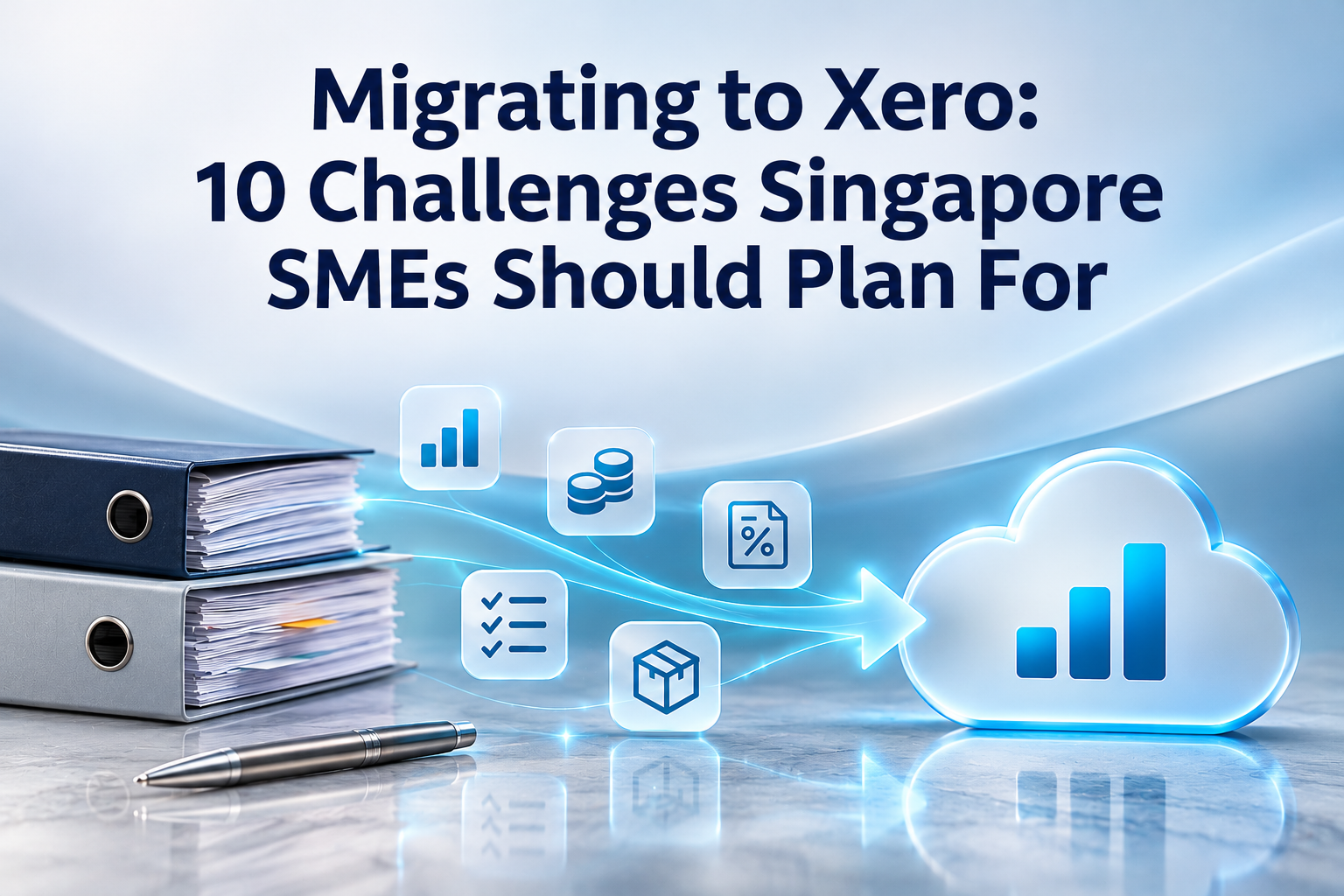

Switching to Xero is usually a good decision. Getting there is where businesses run into trouble. Most failed or painful migrations are not caused by Xero itself, but by messy source data, rushed cutover dates and GST settings that were never properly mapped.
This guide covers the 10 most common challenges Singapore SMEs face when moving to Xero from local accounting software (such as AutoCount, SQL Accounting or MYOB), QuickBooks, or Excel. It also explains what IRAS requires, how to pick a cutover date, and the checklist our team at 361DC uses on client migrations.
What Makes a Xero Migration Difficult?
In short, a Xero migration is difficult because your old system and Xero store data differently. The main challenges are:
- Deciding how much historical data to bring across
- Cleaning up inaccurate data before it is moved
- Mapping your chart of accounts
- Mapping GST tax codes correctly
- Getting opening and conversion balances right
- Keeping bank reconciliations continuous
- Handling inventory that Xero tracks differently
- Moving payroll to a separate Singapore payroll system
- Rebuilding multi-currency, reports and invoice templates
- Getting your team to actually use the new system
Each of these is manageable with planning. The rest of this article explains why each one happens and what to do about it.
The 10 Most Common Xero Migration Challenges
1. Deciding How Much History to Migrate
Many business owners assume they must move every transaction from the last five or ten years. That is rarely necessary, and it is often the most expensive part of a migration.
IRAS states that businesses do not need to migrate accounting transactions from their old software to a new one. However, you must keep the old records for at least five years and be able to retrieve them if IRAS asks.
In practice, most SMEs choose one of three options:
| Option | What moves to Xero | Best for |
|---|---|---|
| Balances only | Trial balance at cutover, open invoices and bills | Most SMEs with simple needs |
| Current year | Full transactions from the start of the financial year | Businesses that want year-to-date reports in one place |
| Multi-year history | Two or more years of transactions | Businesses with heavy reporting or comparison needs |
Tip: If you only move balances, export full ledgers, GST reports and source documents from the old system as PDF and Excel before your licence expires. Desktop software that is no longer licensed can be hard to reopen later.
2. Dirty Data in the Old System
Migration exposes every shortcut taken in the old books. Common problems include duplicate customers and suppliers, unreconciled bank accounts, old invoices that were paid but never matched, and suspense accounts with unexplained balances.
If this data is moved as it is, Xero will show the same errors from day one. Clean up before you migrate, not after:
- Reconcile every bank account up to the cutover date
- Clear or write off very old receivables and payables after review
- Merge duplicate contacts
- Investigate suspense and clearing accounts
- Confirm the last GST return figures agree with the ledger
3. Mapping the Chart of Accounts
Your old chart of accounts may have grown over many years, with hundreds of accounts that are no longer used. Xero works best with a lean chart of accounts and uses tracking categories for departments, branches or projects instead of separate accounts.
This is a good time to simplify. For example, a retailer with separate sales accounts for each of its four outlets could use one sales account in Xero and a tracking category for outlet. Reports stay just as detailed, but the chart of accounts becomes much easier to maintain.
Plan the mapping in a spreadsheet: old account code, old name, new Xero account, and any tracking category. Have your accountant review it before anything is imported.
4. GST Tax Code Mapping
This is where Singapore migrations most often go wrong. Local software often uses IRAS-style codes such as SR, ZR, ES33, OS, TX and IM, while Xero uses its own named tax rates. If a code is mapped incorrectly, the error flows straight into your GST F5 return.
Pay particular attention to:
- Imported goods and import GST
- Exempt supplies and the related input tax apportionment
- Out-of-scope supplies and disregarded supplies
- Reverse charge on imported services, if it applies to your business
- Blocked input tax such as certain staff benefits and motor car expenses
Tip: After setting up GST rates in Xero, run a test GST report on a sample of transactions and compare it with the same period in the old system.
5. Opening Balances and Conversion Balances
Xero uses a conversion date and conversion balances to bring in your starting position. The conversion balances must match the trial balance from your old system as at the day before the conversion date.
A common problem is double counting. Open invoices and bills are entered individually in Xero, so accounts receivable and accounts payable must reconcile with those open items. If they do not, Xero will show a difference that has to be cleared through a balancing entry, and someone will eventually need to explain it to your auditor.
6. Keeping Bank Reconciliations Continuous
Bank feeds are one of the main reasons businesses move to Xero, but they also create a risk. If the feed starts before your conversion date, Xero will pull in transactions that were already recorded in the old system.
Set the bank feed start date to match your conversion date, enter any unpresented cheques and uncleared deposits as at that date, and confirm the Xero bank balance agrees with the bank statement. Check whether your bank offers a direct feed with Xero or whether you will need to import statements.
7. Inventory That Works Differently
Businesses moving from local packages with stock modules often find that Xero’s built-in inventory is simpler than what they had. Xero tracks basic item quantities and average cost, but it is not designed for multiple warehouses, batch or serial numbers, assemblies or advanced costing.
If inventory is central to your business, decide before migration whether Xero’s inventory is enough or whether you need a dedicated inventory system that connects to Xero. Choosing after go-live means migrating your stock data twice.
8. Payroll Moves to a Separate App
Xero does not offer native payroll in Singapore. To handle CPF contributions, IRAS submissions and payslips, you connect a separate Singapore payroll system, which then posts payroll journals into Xero.
This catches some businesses off guard, especially those coming from local software with a built-in payroll module. Plan the payroll move as its own workstream, ideally starting from the beginning of a month, and carry over year-to-date figures so that year-end income tax reporting for employees is complete.
9. Multi-Currency, Reports and Templates
Several smaller items add up during a migration:
- Multi-currency: foreign currency balances need to be converted at the correct rate on the conversion date. Check that your Xero plan includes multi-currency, as not all plans do.
- Reports: management reports from the old system will need to be rebuilt using Xero’s report layouts or a reporting tool.
- Invoice templates: invoices, quotes and statements must be redesigned, and GST tax invoices must still contain the details IRAS requires.
- Integrations: POS, e-commerce and payment platforms connected to the old system need to be reconnected and tested.
10. Team Adoption
A technically perfect migration can still fail if staff keep using spreadsheets on the side or do not trust the new numbers. Cloud software changes daily habits: approvals happen online, receipts are captured from phones, and bank reconciliation becomes a daily task instead of a month-end one.
Budget time for role-based training and agree on new processes before go-live, not after.
Migration Notes by Source System
The challenges above apply to everyone, but the source system changes where the effort goes.
| Moving from | What usually works well | What needs extra attention |
|---|---|---|
| Local Singapore software (AutoCount, SQL Accounting, MYOB) | Ledgers and GST reports are usually well structured and can be exported | Fewer automated conversion tools; GST code mapping; stock modules; built-in payroll that must move to a separate system |
| QuickBooks | Established third-party conversion services can move lists and transactions | Class and location tracking mapped to Xero tracking categories; tax rates; reconciliation history that may not transfer |
| Excel or manual books | A chance to start with a clean, well-designed setup | Building an accurate trial balance first; missing supporting documents; teaching double-entry habits |
For businesses coming from Excel, the hardest step is often producing a reliable opening trial balance. If your last set of financial statements was prepared by an external accountant, use that as the starting point and bring the figures forward to the conversion date.
How to Choose the Right Cutover Date
The cleanest conversion date is the first day of a GST quarter, and ideally the first day of your financial year. This means:
- Each GST F5 return is prepared from one system only
- Year-end reports do not need to combine figures from two systems
- Auditors can trace balances from one clear starting point
If you must cut over mid-quarter, keep a written reconciliation of how the GST return for that quarter was combined from both systems.
Xero Migration Checklist
- Agree on the conversion date and how much history to migrate
- Reconcile all bank accounts and clean up contacts, receivables and payables
- Export and archive full records from the old system
- Map the chart of accounts, tracking categories and GST tax rates
- Set up Xero: organisation details, GST settings, users and permissions
- Import contacts, items, open invoices and open bills
- Enter conversion balances and confirm the trial balance agrees
- Connect bank feeds from the conversion date
- Set up payroll and confirm your inventory approach
- Run test reports, including a sample GST report
- Train users and go live
- Review the first month-end close and first GST return closely
Common Mistakes to Avoid
- Choosing a cutover date in the middle of a GST quarter without a reconciliation plan
- Migrating years of history that nobody will use
- Letting the old licence lapse before records are archived
- Starting bank feeds before the conversion date and creating duplicates
- Using default Xero tax rates without checking them against your business
- Leaving payroll and inventory decisions until after go-live
Why the Timing Matters: GST InvoiceNow
Singapore is moving all GST-registered businesses onto InvoiceNow, the national e-invoicing network, for submitting invoice data to IRAS. At the Committee of Supply 2026, IRAS confirmed the following schedule:
| From | Who must comply |
|---|---|
| 1 Nov 2025 | Newly incorporated companies that voluntarily register for GST |
| 1 Apr 2026 | All new voluntary GST registrants |
| 1 Apr 2028 | New compulsory GST registrants, and existing GST-registered businesses with annual supplies up to S$200,000 |
| 1 Apr 2029 | Existing GST-registered businesses with annual supplies up to S$1 million |
| 1 Apr 2030 | Existing GST-registered businesses with annual supplies up to S$4 million |
| 1 Apr 2031 | Existing GST-registered businesses with annual supplies above S$4 million |
Xero supports InvoiceNow in Singapore. If your current software is not InvoiceNow-ready, migrating now means you only change systems once, rather than adding a stopgap e-invoicing solution and then migrating again later. Existing GST-registered businesses should confirm their own implementation date with IRAS.
Is Funding Available for Moving to Xero?
The Productivity Solutions Grant (PSG) closed to new applications on 29 September 2026. Support for software such as Xero now comes under Enterprise Singapore’s EDGE Grant, which replaced PSG, the Enterprise Development Grant (EDG) and Market Readiness Assistance (MRA) from 30 September 2026.
Under EDGE, eligible SMEs can receive up to 50% support. Each company has a total cap of S$100,000 a year across all EDGE activities, of which up to S$30,000 can be used on single-function digital solutions, integrated enterprise systems and selected automation. The cap refreshes on 1 April each year.
Pre-approved digital solutions are listed through IMDA’s SMEs Go Digital platform. Apply on the Business Grants Portal before signing or paying the vendor, as costs committed before applying are not supported.
IRAS and IMDA have also announced a separate grant of up to S$1,000 to help SMEs with the operational costs of adopting InvoiceNow-Ready Solutions. As EDGE is a new scheme, check the current activity page and eligibility before you commit.
How 361DC Approaches Xero Migrations
361DC is a Singapore software and grants advisory firm. We implement Xero for SMEs, so our migrations are planned around how the business will run after go-live, not just around moving data.
Our Migration Process
- Discovery: we review your current system, data quality, GST position, reporting needs and existing integrations.
- Scope and grant check: we agree on the conversion date and how much history to move, and check whether your business may qualify for grant support.
- Clean-up and mapping: we work with your finance team or external accountant to reconcile the old books and map accounts, tracking categories and GST codes.
- Build and migrate: we set up Xero, import data, enter conversion balances and connect bank feeds.
- Payroll and inventory: we plan how payroll and stock will be handled alongside Xero as part of the same project.
- Verify and train: we compare trial balances and test GST reports, then train each user on their role.
- Post go-live support: we review your first month-end close so issues are caught early.
From our project experience, the migrations that go smoothly are the ones where payroll and inventory decisions are made in the first week. The ones that struggle are usually those where inventory or payroll was treated as something to “sort out later”.
Planning a Move to Xero? Talk to Us First
A short conversation before you start can save weeks of clean-up after go-live. Our team can review your current system, recommend how much history to migrate, map your GST setup and plan how payroll and inventory will work alongside Xero.
Call us at 6515 7906 or email enquiry@361dc.com to discuss your Xero migration.
Frequently Asked Questions
A balances-only migration for a small business with clean books can take a few weeks. Projects with full history, inventory, payroll and several integrations usually take longer. Data clean-up is often the biggest factor in the timeline.
No. IRAS does not require you to migrate transactions to new software. You must keep your old records for at least five years and be able to retrieve them when required.
Yes, but the start of a GST quarter is strongly recommended so each GST return comes from a single system. Starting at the beginning of the financial year makes year-end reporting simpler.
Yes. Xero supports Singapore GST and GST return filing to IRAS. You still need to confirm that the tax rates are set up correctly for your business, especially for imports, exempt supplies and reverse charge.
Not natively. Singapore businesses connect a separate payroll system that handles CPF and IRAS requirements and posts payroll entries into Xero.
Item lists and quantities can be imported, but Xero's built-in inventory is basic. Businesses with multiple locations, batch tracking or assemblies usually need a dedicated inventory system that connects to Xero.
Yes. Xero supports InvoiceNow in Singapore, which matters as the GST InvoiceNow requirement extends to all GST-registered businesses between 2028 and 2031.
The Productivity Solutions Grant (PSG) closed on 29 September 2026. Eligible SMEs may now receive up to 50% support under the EDGE Grant for pre-approved digital solutions, within a S$30,000 yearly sub-cap. Check the current terms on Enterprise Singapore's EDGE page or with your vendor.